Final Exam Practical + Viva English + Hindi

Final Practical Test

फाइनल प्रैक्टिकल टेस्ट

Course Home Open Chapter 48

Complete Course Practical Assessment

पूरा कोर्स प्रैक्टिकल असेसमेंट

Students complete practical tasks from Paint, Word, Excel, PowerPoint, and Internet, then answer viva questions.

विद्यार्थी Paint, Word, Excel, PowerPoint और Internet के practical tasks complete करेंगे और viva questions के answer देंगे.
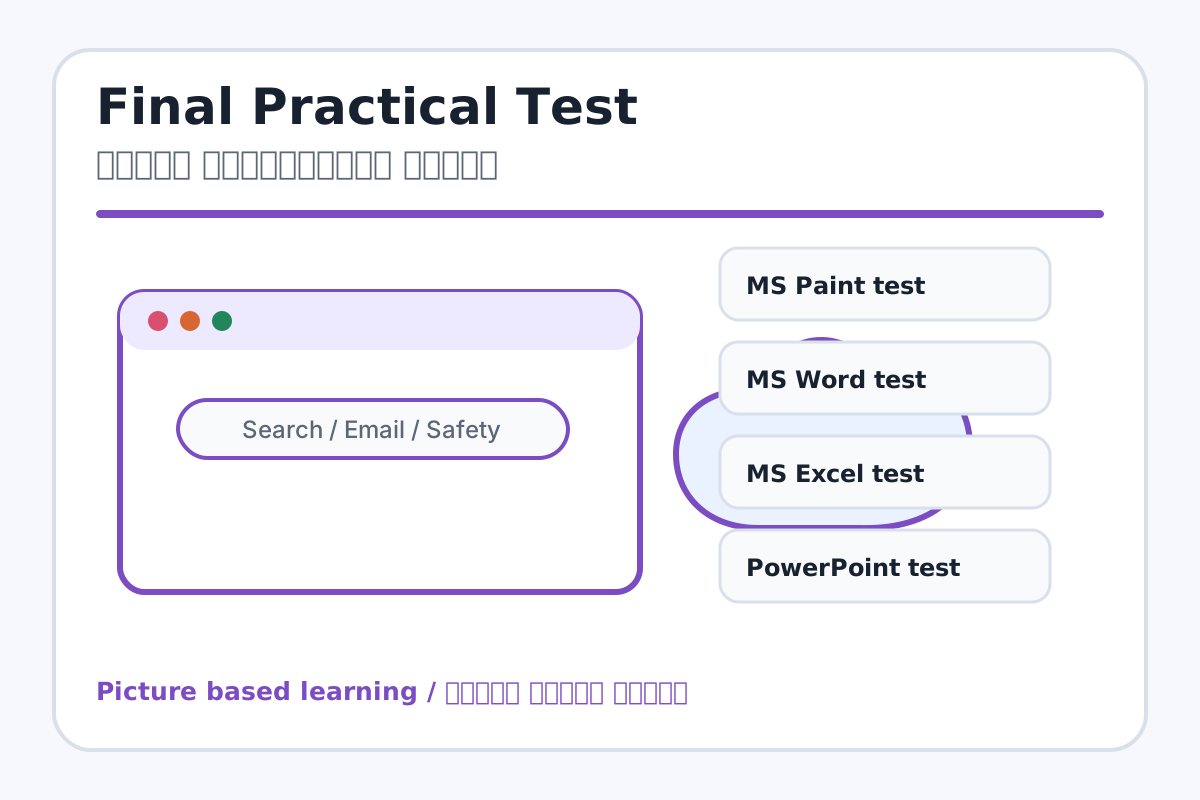
Students completing computer practical test / कंप्यूटर practical test देते विद्यार्थी
Final practical checks real computer skills / Final practical वास्तविक computer skills को check करता है.

Exam Goal / परीक्षा लक्ष्य

Students will show practical skills in MS Paint, MS Word, MS Excel, MS PowerPoint, and Internet. विद्यार्थी हर application में एक छोटा practical task complete करेंगे और viva questions answer करेंगे.

Submission Folder / जमा करने वाला फोल्डर

  1. Create a folder named Final Test - Student Name.
  2. Save all practical files in this folder.
  3. Teacher will check file names, completion, formatting, and viva.

Practical Tasks / प्रैक्टिकल कार्य

  1. MS Paint: Draw a school building with title and colors.
  2. MS Word: Write a leave application with proper formatting.
  3. MS Excel: Create marksheet with Total, Percentage, Grade, and Pass/Fail.
  4. MS PowerPoint: Create a 5-slide presentation on My School or Computer Parts.
  5. Internet: Search a topic safely and write an email format to teacher.

Viva Questions / मौखिक प्रश्न

  1. What is computer?
  2. What is MS Paint?
  3. What is Bold?
  4. What is cell in Excel?
  5. What is formula?
  6. What is slide?
  7. What is browser?
  8. What is email?
  9. Why should we not share OTP?
  10. What is safe internet use?

Suggested Marking / अंक योजना

  1. MS Paint practical: 20 marks
  2. MS Word practical: 20 marks
  3. MS Excel practical: 25 marks
  4. MS PowerPoint practical: 20 marks
  5. Internet task and viva: 15 marks

Teacher Checklist / शिक्षक चेकलिस्ट

  1. Check whether all files are saved in the correct folder.
  2. Open each file and verify formatting, formulas, design, and spelling.
  3. Ask at least five viva questions from different modules.
  4. Write total marks and feedback on the student's submission sheet.

Student Instructions / विद्यार्थी निर्देश

  1. Read every task carefully before starting.
  2. Save your work after every practical task.
  3. Use correct file names so the teacher can check your work easily.
  4. Do not copy another student's file or share passwords/OTP.

Real Image + Image Prompt / वास्तविक चित्र + इमेज प्रॉम्प्ट

Computer class final assessment / कंप्यूटर क्लास final assessment
Suggested file: final-practical-test.jpg | सुझाया गया file name: final-practical-test.jpg

Create a final practical test checklist image for MS Office and Internet course showing Paint drawing, Word application, Excel marksheet, PowerPoint presentation, Internet search/email, file folder submission, and viva with Hindi-English labels.