Chapter 48 Internet English + Hindi

Final Practical Test

फाइनल प्रैक्टिकल टेस्ट

Final Practical Test

फाइनल प्रैक्टिकल टेस्ट

The final practical test checks student skills in MS Paint, MS Word, MS Excel, MS PowerPoint, and Internet. This chapter connects the topic with classroom explanation, real examples, and hands-on practice.

Final practical test में MS Paint, MS Word, MS Excel, MS PowerPoint और Internet की skills check की जाती हैं. इस chapter में topic को classroom explanation, real examples और hands-on practice से समझाया गया है.
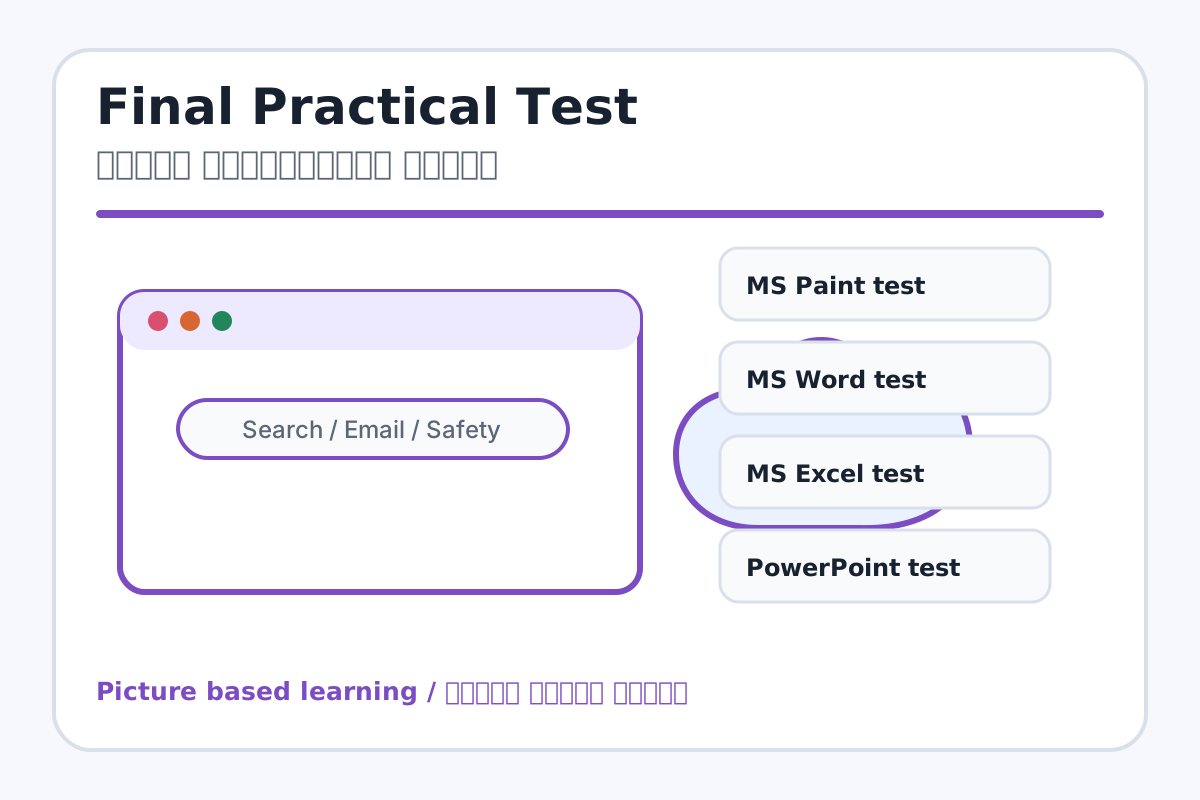
Final Practical Test topic visual / फाइनल प्रैक्टिकल टेस्ट चित्र
Chapter image shows the exact topic parts for visual learning. / Chapter image में topic के parts साफ दिखाए गए हैं.

Tool Heading & Description / टूल शीर्षक और विवरण

MS Paint test

MS Paint test is used for drawing, coloring, editing, or designing in MS Paint.

MS Paint test MS Paint में drawing, coloring, editing या designing के लिए use होता है.

MS Word test

MS Word test is part of the Word working window used to create and edit documents.

MS Word test Word working window का part है जिससे documents create और edit किए जाते हैं.

MS Excel test

MS Excel test is a main point of Final Practical Test and should be understood before practical work.

MS Excel test Final Practical Test ka main point hai; practical se pehle iska meaning samajhna zaroori hai.

PowerPoint test

PowerPoint test helps create, design, animate, or present slides in PowerPoint.

PowerPoint test PowerPoint में slides create, design, animate या present करने में help करता है.

Internet test

Internet test helps search, communicate, browse, download, upload, or stay safe online.

Internet test online search, communication, browsing, download, upload या safety में help करता है.

Learning Objectives / सीखने के लक्ष्य

  • Complete practical tasks from all applications.
  • Answer viva questions confidently.
  • Save and submit files in correct folders.

Theory / Meaning / अर्थ

English MeaningThe final practical test checks student skills in MS Paint, MS Word, MS Excel, MS PowerPoint, and Internet.

Hindi MeaningFinal practical test में MS Paint, MS Word, MS Excel, MS PowerPoint और Internet की skills check की जाती हैं.

Uses / उपयोग

  • Course completion assessment.
  • Checking real computer skills.
  • Preparing students for school computer practicals.

Step-by-Step Teaching / पढ़ाने के स्टेप्स

  1. Create a folder named Final Test - Student Name.
  2. MS Paint: Draw a school building and save it.
  3. MS Word: Write an application with formatting.
  4. MS Excel: Create marksheet with total, percentage, grade, and result.
  5. PowerPoint: Create 5-slide presentation.
  6. Internet: Search information and write an email format.
  7. Submit all files in the final test folder.

Teacher Explanation Notes / शिक्षक नोट्स

  • Give marks for completion, correctness, formatting, saving, and viva.
  • Use a printed checklist for fair evaluation.

Practical Work / प्रैक्टिकल कार्य

  • Complete all five practical tasks within the given time.
  • Answer viva questions asked by teacher.

Homework / गृहकार्य

  • Revise shortcuts, formulas, and internet safety rules.
  • Practice one project from each application.

Short Test Questions / छोटे टेस्ट प्रश्न

  1. What is computer?
  2. What is MS Paint?
  3. What is Bold?
  4. What is cell in Excel?
  5. What is formula?
  6. What is slide?
  7. What is browser?
  8. What is email?
  9. Why should we not share OTP?
  10. What is safe internet use?

Viva Questions / मौखिक प्रश्न

  1. Paint me school building kaise banaya?
  2. Word application me subject kahan likha?
  3. Excel me total ka formula kya hai?
  4. PowerPoint me slide show kaise start karte hain?
  5. Internet safety ka sabse important rule kya hai?

Real Image + Image Prompt / वास्तविक चित्र + इमेज प्रॉम्प्ट

Final Practical Test educational image / फाइनल प्रैक्टिकल टेस्ट educational image
Suggested file: final-practical-test.jpg | सुझाया गया file name: final-practical-test.jpg

Create a final practical test checklist image for MS Office and Internet course showing Paint drawing, Word application, Excel marksheet, PowerPoint presentation, Internet search/email, file folder submission, and viva with Hindi-English labels.