Chapter 38 MS PowerPoint English + Hindi

PowerPoint Animations

पावरपॉइंट एनिमेशन्स

PowerPoint Animations

पावरपॉइंट एनिमेशन्स

Animations are movement or effect applied to objects like text, pictures, shapes, and charts. This chapter connects the topic with classroom explanation, real examples, and hands-on practice.

Animations text, pictures, shapes और charts जैसे objects पर लगाए जाने वाले movement या effects हैं. इस chapter में topic को classroom explanation, real examples और hands-on practice से समझाया गया है.
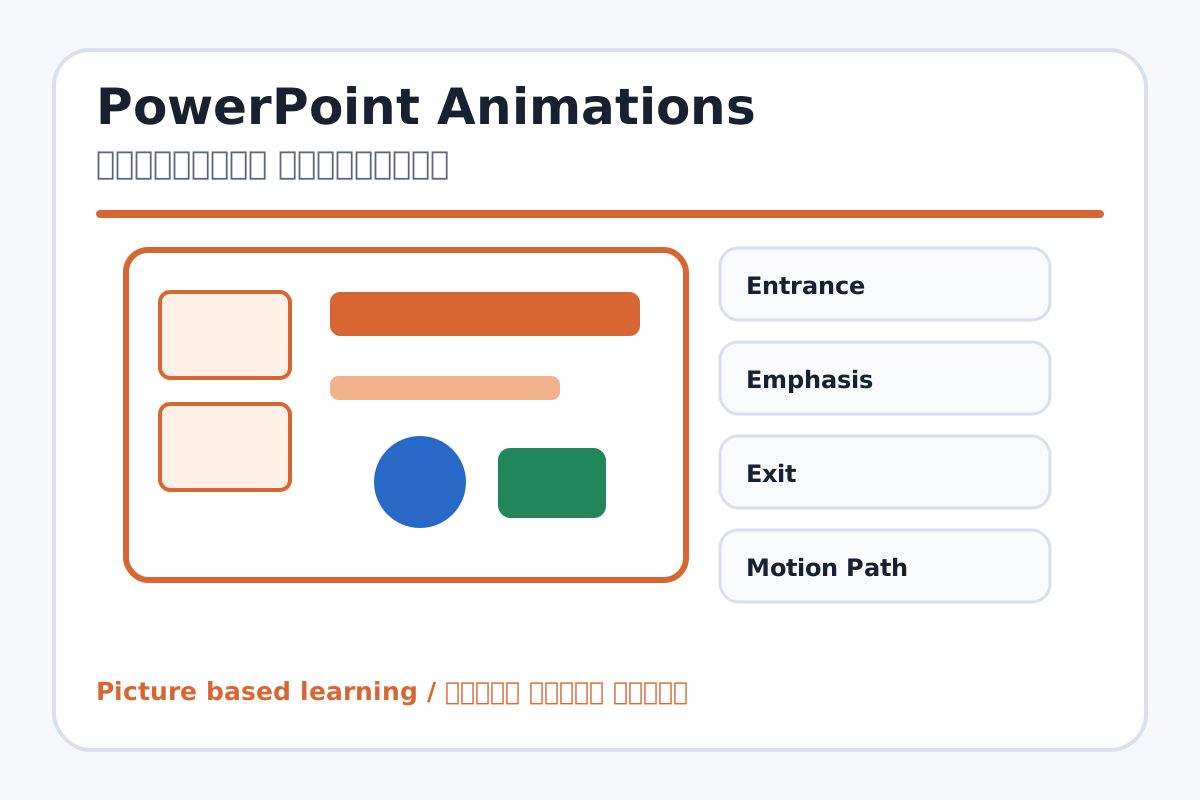
PowerPoint Animations topic visual / पावरपॉइंट एनिमेशन्स चित्र
Chapter image shows the exact topic parts for visual learning. / Chapter image में topic के parts साफ दिखाए गए हैं.

Tool Heading & Description / टूल शीर्षक और विवरण

Entrance

Entrance is a main point of PowerPoint Animations and should be understood before practical work.

Entrance PowerPoint Animations ka main point hai; practical se pehle iska meaning samajhna zaroori hai.

Emphasis

Emphasis is a main point of PowerPoint Animations and should be understood before practical work.

Emphasis PowerPoint Animations ka main point hai; practical se pehle iska meaning samajhna zaroori hai.

Exit

Exit is a main point of PowerPoint Animations and should be understood before practical work.

Exit PowerPoint Animations ka main point hai; practical se pehle iska meaning samajhna zaroori hai.

Motion Path

Motion Path is a main point of PowerPoint Animations and should be understood before practical work.

Motion Path PowerPoint Animations ka main point hai; practical se pehle iska meaning samajhna zaroori hai.

Add Animation

Add Animation helps create, design, animate, or present slides in PowerPoint.

Add Animation PowerPoint में slides create, design, animate या present करने में help करता है.

Learning Objectives / सीखने के लक्ष्य

  • Apply entrance, emphasis, exit, and motion path animations.
  • Use Add Animation, Animation Pane, Trigger, Duration, and Delay.
  • Sequence animations correctly.

Theory / Meaning / अर्थ

English MeaningAnimations are movement or effect applied to objects like text, pictures, shapes, and charts.

Hindi MeaningAnimations text, pictures, shapes और charts जैसे objects पर लगाए जाने वाले movement या effects हैं.

Uses / उपयोग

  • Showing points one by one.
  • Highlighting important objects.
  • Creating animated story or process explanation.

Step-by-Step Teaching / पढ़ाने के स्टेप्स

  1. Select a text box or picture.
  2. Choose an Entrance animation.
  3. Add Emphasis animation to highlight important object.
  4. Open Animation Pane and reorder effects.
  5. Set Duration and Delay.
  6. Preview the slide and adjust timing.

Teacher Explanation Notes / शिक्षक नोट्स

  • Animations apply to selected objects, not the whole slide.
  • Use animation for teaching flow, not decoration only.

Practical Work / प्रैक्टिकल कार्य

  • Create one slide with title, image, and three points.
  • Animate title first, image second, and points one by one.

Homework / गृहकार्य

  • Write four animation types with meanings.
  • Plan an animated story with 4 slides.

Short Test Questions / छोटे टेस्ट प्रश्न

  1. What is animation?
  2. Name four animation types.
  3. What is Animation Pane?
  4. What does Delay do?
  5. What is Motion Path?

Viva Questions / मौखिक प्रश्न

  1. Animation object par lagta hai ya slide par?
  2. Entrance effect ka matlab kya hai?
  3. Animation order kahan change karte hain?

Real Image + Image Prompt / वास्तविक चित्र + इमेज प्रॉम्प्ट

PowerPoint Animations educational image / पावरपॉइंट एनिमेशन्स educational image
Suggested file: ppt-animation-transition.jpg | सुझाया गया file name: ppt-animation-transition.jpg

Create an educational PowerPoint animations image showing Entrance, Emphasis, Exit, Motion Path, Add Animation, Animation Pane, Trigger, Duration, and Delay with Hindi-English labels and simple animated object examples.