Chapter 29 MS Excel English + Hindi

Excel Sort and Filter

एक्सेल सॉर्ट और फिल्टर

Excel Sort and Filter

एक्सेल सॉर्ट और फिल्टर

Sort arranges data in order. Filter shows only selected records from a larger data table. This chapter connects the topic with classroom explanation, real examples, and hands-on practice.

Sort data को order में arrange करता है. Filter बड़े data में से selected records दिखाता है. इस chapter में topic को classroom explanation, real examples और hands-on practice से समझाया गया है.
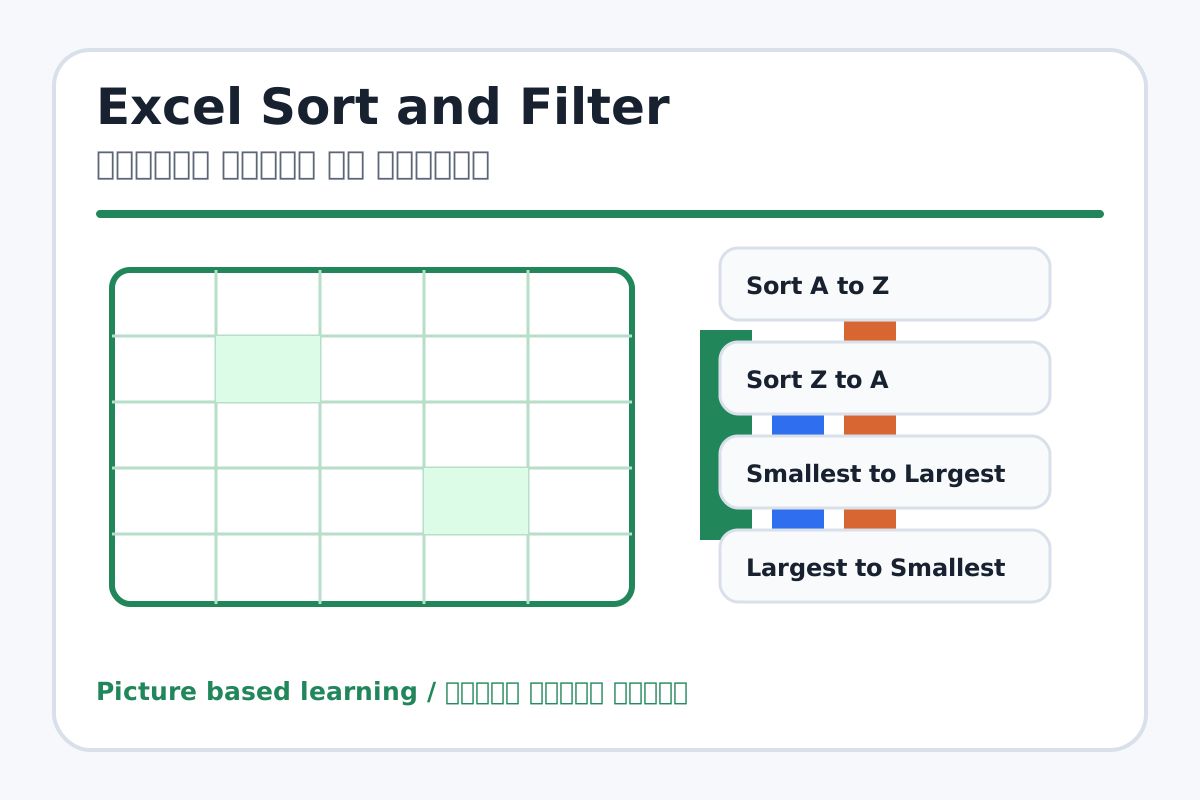
Excel Sort and Filter topic visual / एक्सेल सॉर्ट और फिल्टर चित्र
Chapter image shows the exact topic parts for visual learning. / Chapter image में topic के parts साफ दिखाए गए हैं.

Tool Heading & Description / टूल शीर्षक और विवरण

Sort A to Z

Sort A to Z is used to enter, calculate, arrange, format, or present data in Excel.

Sort A to Z Excel में data enter, calculate, arrange, format या present करने में use होता है.

Sort Z to A

Sort Z to A is used to enter, calculate, arrange, format, or present data in Excel.

Sort Z to A Excel में data enter, calculate, arrange, format या present करने में use होता है.

Smallest to Largest

Smallest to Largest is a main point of Excel Sort and Filter and should be understood before practical work.

Smallest to Largest Excel Sort and Filter ka main point hai; practical se pehle iska meaning samajhna zaroori hai.

Largest to Smallest

Largest to Smallest is a main point of Excel Sort and Filter and should be understood before practical work.

Largest to Smallest Excel Sort and Filter ka main point hai; practical se pehle iska meaning samajhna zaroori hai.

Filter dropdown

Filter dropdown is a keyboard or mouse control used for typing, selection, movement, or commands.

Filter dropdown keyboard या mouse control है जो typing, selection, movement या command के लिए use होता है.

Learning Objectives / सीखने के लक्ष्य

  • Sort data A to Z, Z to A, smallest to largest, and largest to smallest.
  • Apply filters to show selected data.
  • Clear filters safely.

Theory / Meaning / अर्थ

English MeaningSort arranges data in order. Filter shows only selected records from a larger data table.

Hindi MeaningSort data को order में arrange करता है. Filter बड़े data में से selected records दिखाता है.

Uses / उपयोग

  • Arranging names alphabetically.
  • Finding students with high or low marks.
  • Showing only one class, section, or product category.

Step-by-Step Teaching / पढ़ाने के स्टेप्स

  1. Create a table with Name, Class, Section, and Marks.
  2. Sort names A to Z.
  3. Sort marks largest to smallest.
  4. Apply Filter to show only Class 6 or Section A.
  5. Clear the filter and show all records again.

Teacher Explanation Notes / शिक्षक नोट्स

  • Select the full table before sorting to avoid mixed rows.
  • Warn students that Filter hides rows; it does not delete data.

Practical Work / प्रैक्टिकल कार्य

  • Create 10 student records and sort by name and marks.
  • Filter records for one class or pass students only.

Homework / गृहकार्य

  • Write the difference between Sort and Filter.
  • Make a sample data table in notebook.

Short Test Questions / छोटे टेस्ट प्रश्न

  1. What is Sort?
  2. What is Filter?
  3. What does A to Z mean?
  4. Does Filter delete data?
  5. Why select full table before sorting?

Viva Questions / मौखिक प्रश्न

  1. Largest to smallest kab use karenge?
  2. Filter clear kaise karte hain?
  3. Names alphabetically arrange karna kya kehlata hai?

Real Image + Image Prompt / वास्तविक चित्र + इमेज प्रॉम्प्ट

Excel Sort and Filter educational image / एक्सेल सॉर्ट और फिल्टर educational image
Suggested file: excel-cell-row-column.jpg | सुझाया गया file name: excel-cell-row-column.jpg

Create an educational Excel Sort and Filter image showing a student table with filter dropdown arrows, A to Z sort, marks high-to-low sort, and filtered class records with Hindi and English labels.