Chapter 35 MS PowerPoint English + Hindi

PowerPoint Insert Tab

पावरपॉइंट इंसर्ट टैब

PowerPoint Insert Tab

पावरपॉइंट इंसर्ट टैब

The Insert tab adds tables, pictures, screenshots, photo albums, shapes, icons, SmartArt, charts, text boxes, WordArt, header/footer, video, audio, and screen recording. This chapter connects the topic with classroom explanation, real examples, and hands-on practice.

Insert tab से tables, pictures, screenshots, photo albums, shapes, icons, SmartArt, charts, text boxes, WordArt, header/footer, video, audio और screen recording add होते हैं. इस chapter में topic को classroom explanation, real examples और hands-on practice से समझाया गया है.
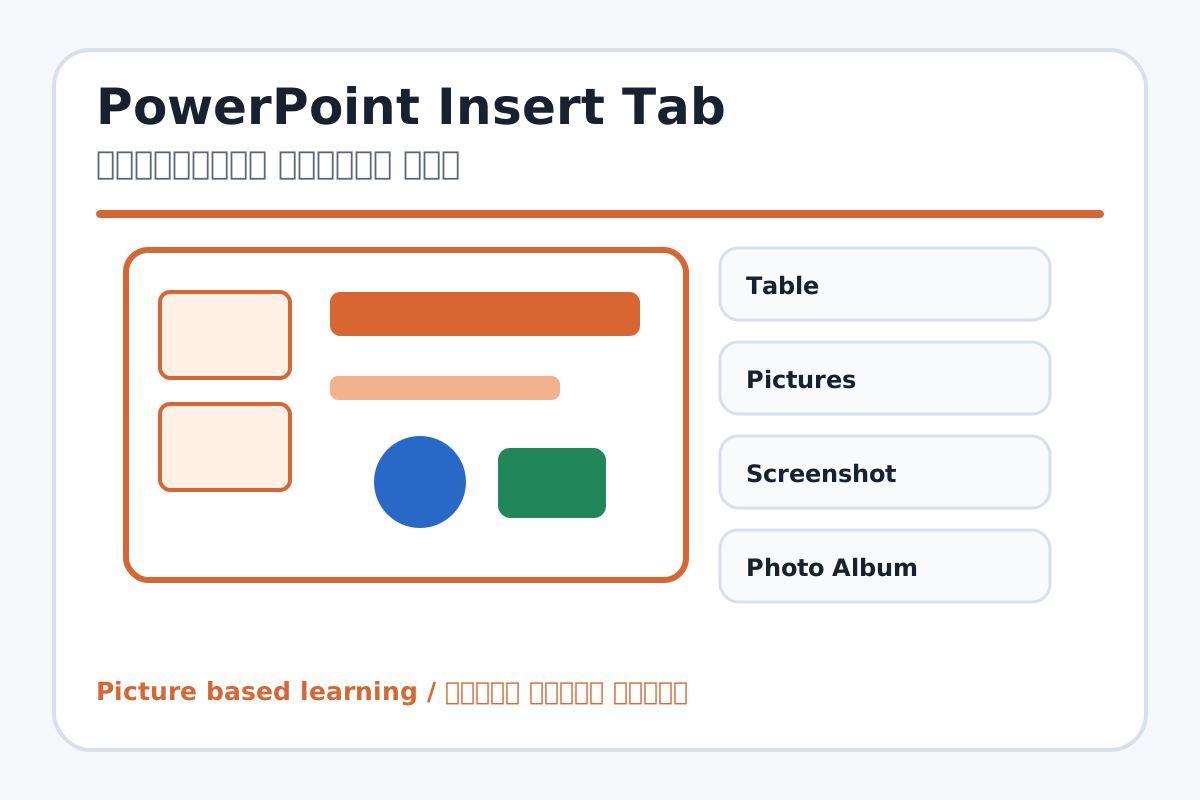
PowerPoint Insert Tab topic visual / पावरपॉइंट इंसर्ट टैब चित्र
Chapter image shows the exact topic parts for visual learning. / Chapter image में topic के parts साफ दिखाए गए हैं.

Tool Heading & Description / टूल शीर्षक और विवरण

Table

Table is part of the Word working window used to create and edit documents.

Table Word working window का part है जिससे documents create और edit किए जाते हैं.

Pictures

Pictures is a main point of PowerPoint Insert Tab and should be understood before practical work.

Pictures PowerPoint Insert Tab ka main point hai; practical se pehle iska meaning samajhna zaroori hai.

Screenshot

Screenshot is a main point of PowerPoint Insert Tab and should be understood before practical work.

Screenshot PowerPoint Insert Tab ka main point hai; practical se pehle iska meaning samajhna zaroori hai.

Photo Album

Photo Album is a main point of PowerPoint Insert Tab and should be understood before practical work.

Photo Album PowerPoint Insert Tab ka main point hai; practical se pehle iska meaning samajhna zaroori hai.

Shapes

Shapes is used for drawing, coloring, editing, or designing in MS Paint.

Shapes MS Paint में drawing, coloring, editing या designing के लिए use होता है.

Learning Objectives / सीखने के लक्ष्य

  • Insert pictures, shapes, icons, SmartArt, charts, and text boxes.
  • Add audio/video awareness for presentations.
  • Use screenshot or photo album when needed.

Theory / Meaning / अर्थ

English MeaningThe Insert tab adds tables, pictures, screenshots, photo albums, shapes, icons, SmartArt, charts, text boxes, WordArt, header/footer, video, audio, and screen recording.

Hindi MeaningInsert tab से tables, pictures, screenshots, photo albums, shapes, icons, SmartArt, charts, text boxes, WordArt, header/footer, video, audio और screen recording add होते हैं.

Uses / उपयोग

  • Making slides visual and easy to understand.
  • Adding diagrams and charts.
  • Creating photo album or multimedia presentation.

Step-by-Step Teaching / पढ़ाने के स्टेप्स

  1. Insert a picture on a slide and resize it.
  2. Insert shapes and icons to explain a topic.
  3. Insert SmartArt for process or hierarchy.
  4. Insert chart for marks or comparison.
  5. Add text box and WordArt for headings.
  6. Explain audio/video insertion and file size caution.

Teacher Explanation Notes / शिक्षक नोट्स

  • Use real subject images when possible; avoid overcrowding slides.
  • Teach image source safety and copyright awareness at beginner level.

Practical Work / प्रैक्टिकल कार्य

  • Create a slide about Computer Parts with picture, icons, SmartArt, and text box.
  • Create a chart slide using sample marks.

Homework / गृहकार्य

  • Write ten Insert tab tools and uses.
  • Collect two safe images for a school topic presentation.

Short Test Questions / छोटे टेस्ट प्रश्न

  1. Which tool adds image?
  2. What is SmartArt?
  3. What is Chart used for?
  4. What does Text Box do?
  5. What is Photo Album?

Viva Questions / मौखिक प्रश्न

  1. Presentation me images kyon useful hain?
  2. Video insert karte time kya dhyan rakhen?
  3. SmartArt kis type ke diagram banata hai?

Real Image + Image Prompt / वास्तविक चित्र + इमेज प्रॉम्प्ट

PowerPoint Insert Tab educational image / पावरपॉइंट इंसर्ट टैब educational image
Suggested file: ms-powerpoint-interface.jpg | सुझाया गया file name: ms-powerpoint-interface.jpg

Create an educational PowerPoint Insert tab image showing Table, Pictures, Screenshot, Photo Album, Shapes, Icons, SmartArt, Chart, Text Box, WordArt, Header/Footer, Video, Audio, and Screen Recording with Hindi-English labels.