Chapter 14 MS Word English + Hindi

Word Design and Layout

वर्ड डिजाइन और लेआउट

Word Design and Layout

वर्ड डिजाइन और लेआउट

Design controls document theme, colors, watermark, page color, and page borders. Layout controls margins, orientation, size, columns, breaks, indent, and spacing. This chapter connects the topic with classroom explanation, real examples, and hands-on practice.

Design document का theme, colors, watermark, page color और page border control करता है. Layout margins, orientation, size, columns, breaks, indent और spacing control करता है. इस chapter में topic को classroom explanation, real examples और hands-on practice से समझाया गया है.
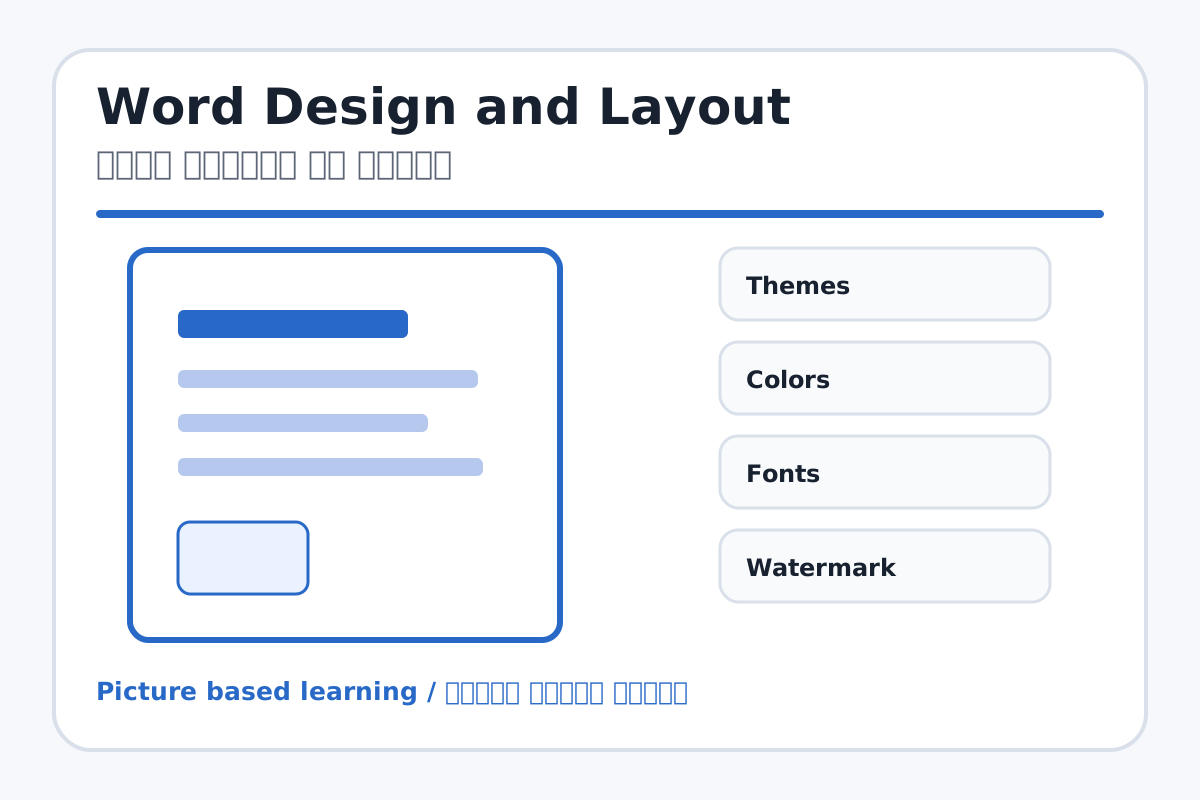
Word Design and Layout topic visual / वर्ड डिजाइन और लेआउट चित्र
Chapter image shows the exact topic parts for visual learning. / Chapter image में topic के parts साफ दिखाए गए हैं.

Tool Heading & Description / टूल शीर्षक और विवरण

Themes

Themes helps create, design, animate, or present slides in PowerPoint.

Themes PowerPoint में slides create, design, animate या present करने में help करता है.

Colors

Colors is used for drawing, coloring, editing, or designing in MS Paint.

Colors MS Paint में drawing, coloring, editing या designing के लिए use होता है.

Fonts

Fonts is a Font command that changes the look of selected text.

Fonts Font command है जो selected text का look change करता है.

Watermark

Watermark is a main point of Word Design and Layout and should be understood before practical work.

Watermark Word Design and Layout ka main point hai; practical se pehle iska meaning samajhna zaroori hai.

Page Color

Page Color is used for drawing, coloring, editing, or designing in MS Paint.

Page Color MS Paint में drawing, coloring, editing या designing के लिए use होता है.

Learning Objectives / सीखने के लक्ष्य

  • Apply theme, page border, page color, and watermark.
  • Set margins, orientation, paper size, and columns.
  • Prepare a certificate or newspaper-style layout.

Theory / Meaning / अर्थ

English MeaningDesign controls document theme, colors, watermark, page color, and page borders. Layout controls margins, orientation, size, columns, breaks, indent, and spacing.

Hindi MeaningDesign document का theme, colors, watermark, page color और page border control करता है. Layout margins, orientation, size, columns, breaks, indent और spacing control करता है.

Uses / उपयोग

  • Designing certificates and project covers.
  • Setting A4 pages for printing.
  • Creating columns like newspaper layout.

Step-by-Step Teaching / पढ़ाने के स्टेप्स

  1. Open a document and set page size to A4.
  2. Choose portrait or landscape orientation as needed.
  3. Apply page border and light page color.
  4. Add watermark such as SAMPLE or SCHOOL COPY.
  5. Set margins and paragraph spacing.
  6. Use columns for newspaper style content.

Teacher Explanation Notes / शिक्षक नोट्स

  • Warn students not to use very dark page color for print documents.
  • Show portrait and landscape with the same page so difference is clear.

Practical Work / प्रैक्टिकल कार्य

  • Create a certificate with page border, watermark, title, student name, and signature lines.
  • Create a two-column newspaper paragraph.

Homework / गृहकार्य

  • Write difference between Portrait and Landscape.
  • List five Layout tab tools.

Short Test Questions / छोटे टेस्ट प्रश्न

  1. What is Watermark?
  2. What are Margins?
  3. What is Orientation?
  4. Which tool creates newspaper style columns?
  5. What is Page Border?

Viva Questions / मौखिक प्रश्न

  1. A4 size kahan set hota hai?
  2. Certificate me border kyon lagate hain?
  3. Spacing ka use kya hai?

Real Image + Image Prompt / वास्तविक चित्र + इमेज प्रॉम्प्ट

Word Design and Layout educational image / वर्ड डिजाइन और लेआउट educational image
Suggested file: word-page-layout.jpg | सुझाया गया file name: word-page-layout.jpg

Create an educational MS Word Design and Layout image showing Themes, Watermark, Page Color, Page Borders, Margins, Orientation, Size, Columns, Indent, and Spacing with Hindi and English labels.