Chapter 21 MS Excel English + Hindi

MS Excel Introduction

एम.एस. एक्सेल परिचय

MS Excel Introduction

एम.एस. एक्सेल परिचय

MS Excel is a spreadsheet software used for data entry, calculations, tables, charts, and reports. This chapter connects the topic with classroom explanation, real examples, and hands-on practice.

MS Excel data entry, calculation, tables, charts और reports बनाने के लिए use होता है. इस chapter में topic को classroom explanation, real examples और hands-on practice से समझाया गया है.
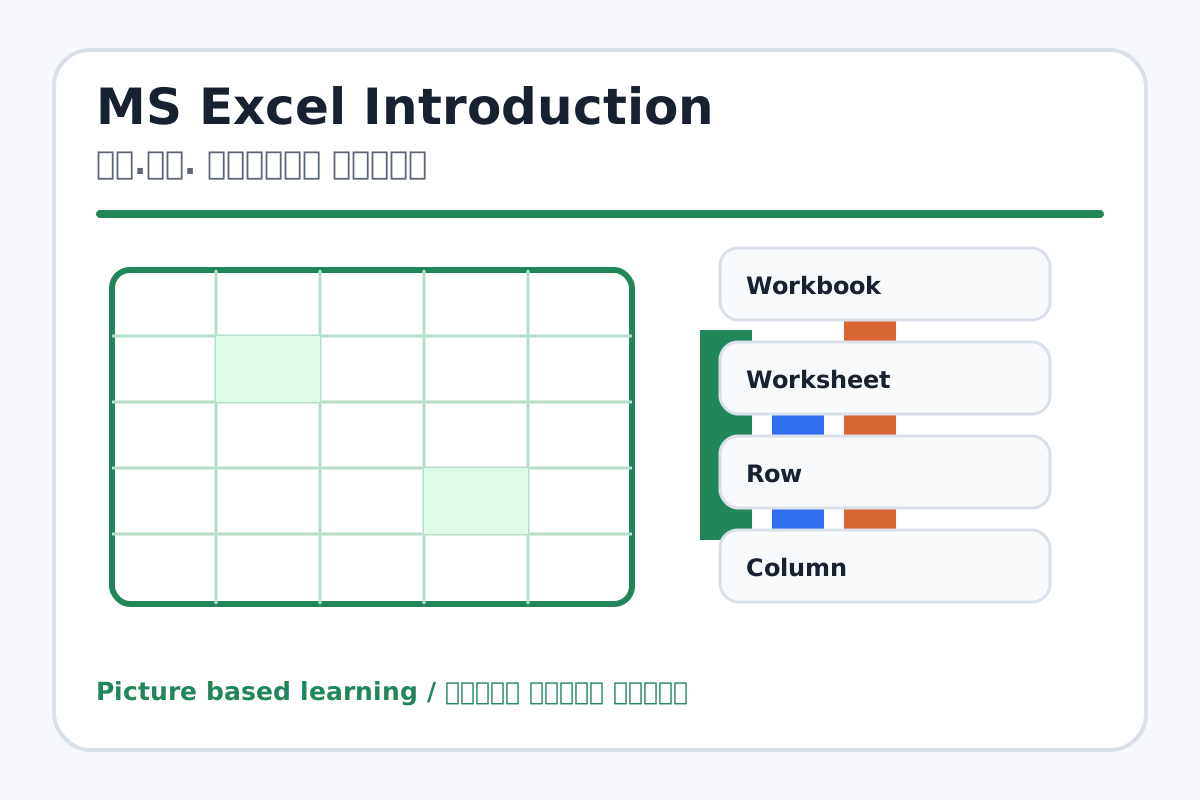
MS Excel Introduction topic visual / एम.एस. एक्सेल परिचय चित्र
Chapter image shows the exact topic parts for visual learning. / Chapter image में topic के parts साफ दिखाए गए हैं.

Tool Heading & Description / टूल शीर्षक और विवरण

Workbook

Workbook is used to enter, calculate, arrange, format, or present data in Excel.

Workbook Excel में data enter, calculate, arrange, format या present करने में use होता है.

Worksheet

Worksheet is used to enter, calculate, arrange, format, or present data in Excel.

Worksheet Excel में data enter, calculate, arrange, format या present करने में use होता है.

Row

Row is used to enter, calculate, arrange, format, or present data in Excel.

Row Excel में data enter, calculate, arrange, format या present करने में use होता है.

Column

Column is used to enter, calculate, arrange, format, or present data in Excel.

Column Excel में data enter, calculate, arrange, format या present करने में use होता है.

Cell

Cell is used to enter, calculate, arrange, format, or present data in Excel.

Cell Excel में data enter, calculate, arrange, format या present करने में use होता है.

Learning Objectives / सीखने के लक्ष्य

  • Open Excel and identify workbook, worksheet, cell, row, column, name box, formula bar, and sheet tabs.
  • Understand spreadsheet use in real life.
  • Create a simple data table.

Theory / Meaning / अर्थ

English MeaningMS Excel is a spreadsheet software used for data entry, calculations, tables, charts, and reports.

Hindi MeaningMS Excel data entry, calculation, tables, charts और reports बनाने के लिए use होता है.

Uses / उपयोग

  • Student marksheet, attendance, bill, salary, budget, stock list, and charts.

Step-by-Step Teaching / पढ़ाने के स्टेप्स

  1. Open Excel and create a blank workbook.
  2. Show rows as numbers and columns as letters.
  3. Click a cell and explain cell address like A1.
  4. Type sample names and marks in a small table.
  5. Show formula bar and sheet tab.
  6. Save the workbook in Excel folder.

Teacher Explanation Notes / शिक्षक नोट्स

  • Use grid comparison: Excel page is like a copy with boxes.
  • Repeat row horizontal and column vertical with hand gestures.

Practical Work / प्रैक्टिकल कार्य

  • Create a table with Roll No, Name, Class, and Marks for five students.
  • Save as Excel Introduction.xlsx.

Homework / गृहकार्य

  • Write definitions of workbook, worksheet, row, column, cell, and formula bar.
  • Draw a small Excel grid and mark A1, B2, and C3.

Short Test Questions / छोटे टेस्ट प्रश्न

  1. What is MS Excel?
  2. What is workbook?
  3. What is worksheet?
  4. What is cell?
  5. What is cell address?

Viva Questions / मौखिक प्रश्न

  1. Row horizontal hoti hai ya vertical?
  2. Column ka naam letters se hota hai ya numbers se?
  3. Formula bar kya show karta hai?

Real Image + Image Prompt / वास्तविक चित्र + इमेज प्रॉम्प्ट

MS Excel Introduction educational image / एम.एस. एक्सेल परिचय educational image
Suggested file: ms-excel-interface.jpg | सुझाया गया file name: ms-excel-interface.jpg

Create a labeled educational image of MS Excel interface showing Workbook, Worksheet, Row, Column, Cell, Name Box, Formula Bar, Ribbon, Sheet Tab. Add Hindi and English labels.