Chapter 11 MS Word English + Hindi

Word Home Tab: Clipboard and Font

वर्ड होम टैब: क्लिपबोर्ड और फॉन्ट

Word Home Tab: Clipboard and Font

वर्ड होम टैब: क्लिपबोर्ड और फॉन्ट

Clipboard tools move or copy text. Font tools change text style, size, color, and appearance. This chapter connects the topic with classroom explanation, real examples, and hands-on practice.

Clipboard tools text को move या copy करते हैं. Font tools text का style, size, color और appearance बदलते हैं. इस chapter में topic को classroom explanation, real examples और hands-on practice से समझाया गया है.
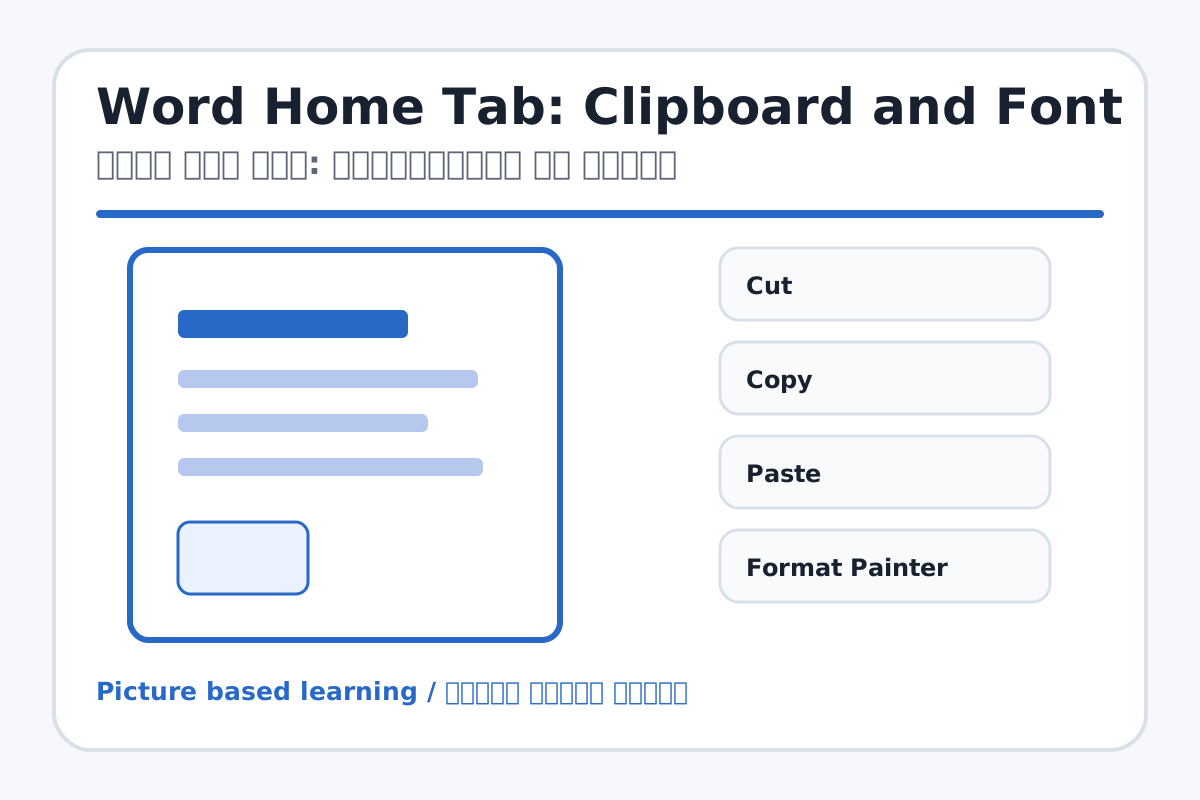
Word Home Tab: Clipboard and Font topic visual / वर्ड होम टैब: क्लिपबोर्ड और फॉन्ट चित्र
Chapter image shows the exact topic parts for visual learning. / Chapter image में topic के parts साफ दिखाए गए हैं.

Tool Heading & Description / टूल शीर्षक और विवरण

Cut

Cut is a Clipboard command used to move, duplicate, paste, or copy formatting.

Cut Clipboard command है जो text/object को move, duplicate, paste या formatting copy करने में help करता है.

Copy

Copy is a Clipboard command used to move, duplicate, paste, or copy formatting.

Copy Clipboard command है जो text/object को move, duplicate, paste या formatting copy करने में help करता है.

Paste

Paste is a Clipboard command used to move, duplicate, paste, or copy formatting.

Paste Clipboard command है जो text/object को move, duplicate, paste या formatting copy करने में help करता है.

Format Painter

Format Painter is a Clipboard command used to move, duplicate, paste, or copy formatting.

Format Painter Clipboard command है जो text/object को move, duplicate, paste या formatting copy करने में help करता है.

Font Name

Font Name is a Font command that changes the look of selected text.

Font Name Font command है जो selected text का look change करता है.

Learning Objectives / सीखने के लक्ष्य

  • Use Cut, Copy, Paste, and Format Painter.
  • Apply font name, size, bold, italic, underline, highlight, and font color.
  • Use shortcuts Ctrl+B, Ctrl+I, Ctrl+U, Ctrl+C, Ctrl+V, Ctrl+X.

Theory / Meaning / अर्थ

English MeaningClipboard tools move or copy text. Font tools change text style, size, color, and appearance.

Hindi MeaningClipboard tools text को move या copy करते हैं. Font tools text का style, size, color और appearance बदलते हैं.

Uses / उपयोग

  • Making headings clear.
  • Highlighting important words.
  • Copying repeated text quickly.

Step-by-Step Teaching / पढ़ाने के स्टेप्स

  1. Type ten lines about My School.
  2. Select the title and apply Bold, font size 18, and blue color.
  3. Select important words and apply Italic, Underline, or Highlight.
  4. Copy one sentence and paste it below.
  5. Use Format Painter to copy title formatting to another line.

Teacher Explanation Notes / शिक्षक नोट्स

  • Teach selection first; most formatting problems happen because text is not selected.
  • Use shortcuts only after students understand toolbar buttons.

Practical Work / प्रैक्टिकल कार्य

  • Type 10 lines about My School and apply Bold, Italic, Underline, Color, and Font Size.
  • Write H2O using subscript and X2 using superscript.

Homework / गृहकार्य

  • Write shortcuts for Cut, Copy, Paste, Bold, Italic, and Underline.
  • Create a small decorated heading in notebook.

Short Test Questions / छोटे टेस्ट प्रश्न

  1. What does Bold do?
  2. What does Ctrl+C do?
  3. Which tool copies formatting?
  4. What is Font Size?
  5. What is Highlight used for?

Viva Questions / मौखिक प्रश्न

  1. Underline ka shortcut kya hai?
  2. Font Color ka use kya hai?
  3. Subscript ka example batao.

Real Image + Image Prompt / वास्तविक चित्र + इमेज प्रॉम्प्ट

Word Home Tab: Clipboard and Font educational image / वर्ड होम टैब: क्लिपबोर्ड और फॉन्ट educational image
Suggested file: word-home-tab.jpg | सुझाया गया file name: word-home-tab.jpg

Create a labeled MS Word Home tab image focused on Clipboard and Font groups: Cut, Copy, Paste, Format Painter, Font Name, Font Size, Bold, Italic, Underline, Highlight, Font Color, Subscript, Superscript. Hindi and English labels.