Chapter 34 MS PowerPoint English + Hindi

PowerPoint Home Tab

पावरपॉइंट होम टैब

PowerPoint Home Tab

पावरपॉइंट होम टैब

PowerPoint Home tab contains tools for new slides, layouts, reset, sections, text formatting, paragraph formatting, drawing, and editing. This chapter connects the topic with classroom explanation, real examples, and hands-on practice.

PowerPoint Home tab में new slides, layouts, reset, sections, text formatting, paragraph formatting, drawing और editing tools होते हैं. इस chapter में topic को classroom explanation, real examples और hands-on practice से समझाया गया है.
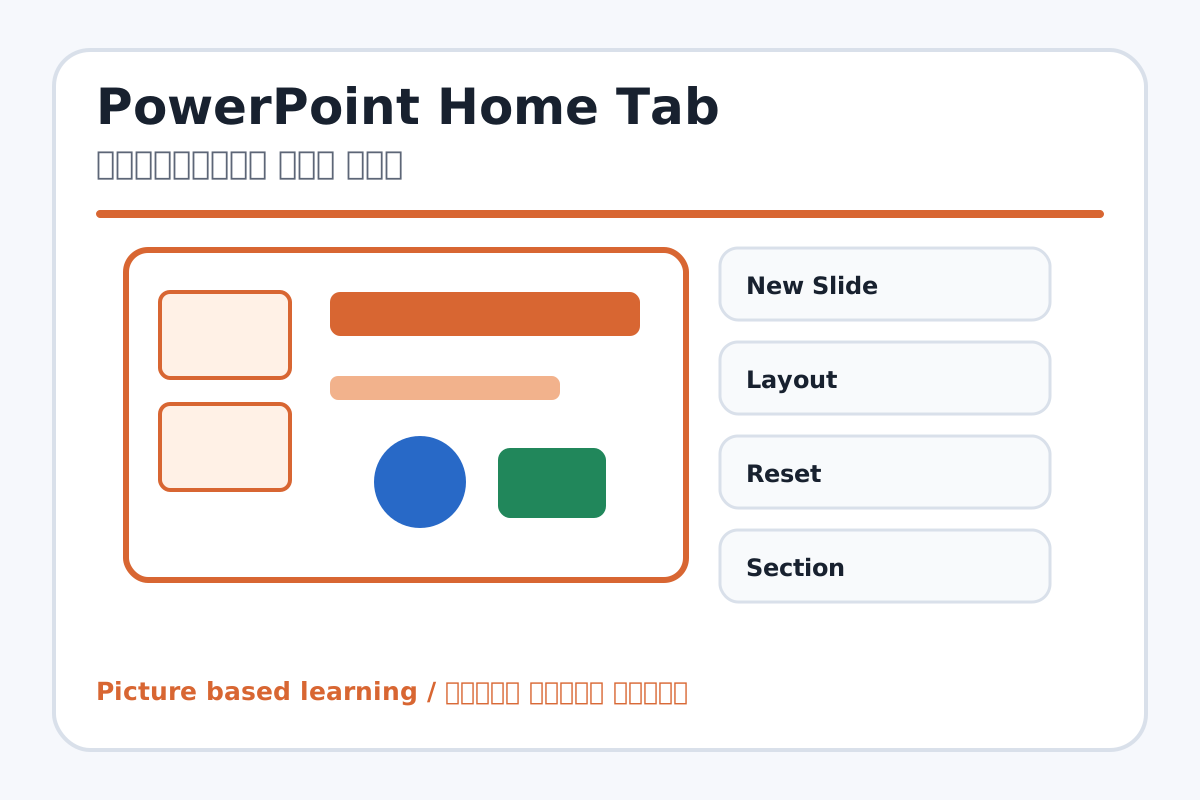
PowerPoint Home Tab topic visual / पावरपॉइंट होम टैब चित्र
Chapter image shows the exact topic parts for visual learning. / Chapter image में topic के parts साफ दिखाए गए हैं.

Tool Heading & Description / टूल शीर्षक और विवरण

New Slide

New Slide is a file command used to create, open, save, print, share, export, or close work.

New Slide file command है जिससे work create, open, save, print, share, export या close किया जाता है.

Layout

Layout helps create, design, animate, or present slides in PowerPoint.

Layout PowerPoint में slides create, design, animate या present करने में help करता है.

Reset

Reset is a main point of PowerPoint Home Tab and should be understood before practical work.

Reset PowerPoint Home Tab ka main point hai; practical se pehle iska meaning samajhna zaroori hai.

Section

Section is a main point of PowerPoint Home Tab and should be understood before practical work.

Section PowerPoint Home Tab ka main point hai; practical se pehle iska meaning samajhna zaroori hai.

Font Tools

Font Tools is a Font command that changes the look of selected text.

Font Tools Font command है जो selected text का look change करता है.

Learning Objectives / सीखने के लक्ष्य

  • Add new slides and change layouts.
  • Format text and paragraphs.
  • Use drawing tools and editing tools.

Theory / Meaning / अर्थ

English MeaningPowerPoint Home tab contains tools for new slides, layouts, reset, sections, text formatting, paragraph formatting, drawing, and editing.

Hindi MeaningPowerPoint Home tab में new slides, layouts, reset, sections, text formatting, paragraph formatting, drawing और editing tools होते हैं.

Uses / उपयोग

  • Building slide structure quickly.
  • Making headings and bullet points readable.
  • Organizing slides into sections.

Step-by-Step Teaching / पढ़ाने के स्टेप्स

  1. Create a title slide and add New Slide.
  2. Choose Title and Content layout.
  3. Type bullet points and format heading.
  4. Use drawing shapes for decoration or diagram.
  5. Reset slide layout if objects move incorrectly.
  6. Create a section for grouped slides.

Teacher Explanation Notes / शिक्षक नोट्स

  • Teach students to choose layout before adding too many objects.
  • Keep slide text short and large enough for projector viewing.

Practical Work / प्रैक्टिकल कार्य

  • Make 5 slides on Computer Parts using different layouts.
  • Add bullets, headings, and simple shapes.

Homework / गृहकार्य

  • Write use of New Slide, Layout, Reset, Section, and Drawing.
  • Prepare points for My School presentation.

Short Test Questions / छोटे टेस्ट प्रश्न

  1. What does New Slide do?
  2. What is Layout?
  3. What does Reset do?
  4. What are Paragraph tools used for?
  5. What is Section?

Viva Questions / मौखिक प्रश्न

  1. Bullet points slide me kyon use hote hain?
  2. Layout change karne se kya hota hai?
  3. Drawing group me kya milta hai?

Real Image + Image Prompt / वास्तविक चित्र + इमेज प्रॉम्प्ट

PowerPoint Home Tab educational image / पावरपॉइंट होम टैब educational image
Suggested file: ms-powerpoint-interface.jpg | सुझाया गया file name: ms-powerpoint-interface.jpg

Create an educational PowerPoint Home tab image showing New Slide, Layout, Reset, Section, Font, Paragraph, Drawing, and Editing tools with Hindi and English labels.