Chapter 22 MS Excel English + Hindi

Excel Rows, Columns, Cells

एक्सेल रो, कॉलम और सेल

Excel Rows, Columns, Cells

एक्सेल रो, कॉलम और सेल

Rows, columns, and cells make the Excel grid. Data is entered in cells and identified by cell addresses. This chapter connects the topic with classroom explanation, real examples, and hands-on practice.

Rows, columns और cells मिलकर Excel grid बनाते हैं. Data cells में enter होता है और cell address से पहचाना जाता है. इस chapter में topic को classroom explanation, real examples और hands-on practice से समझाया गया है.
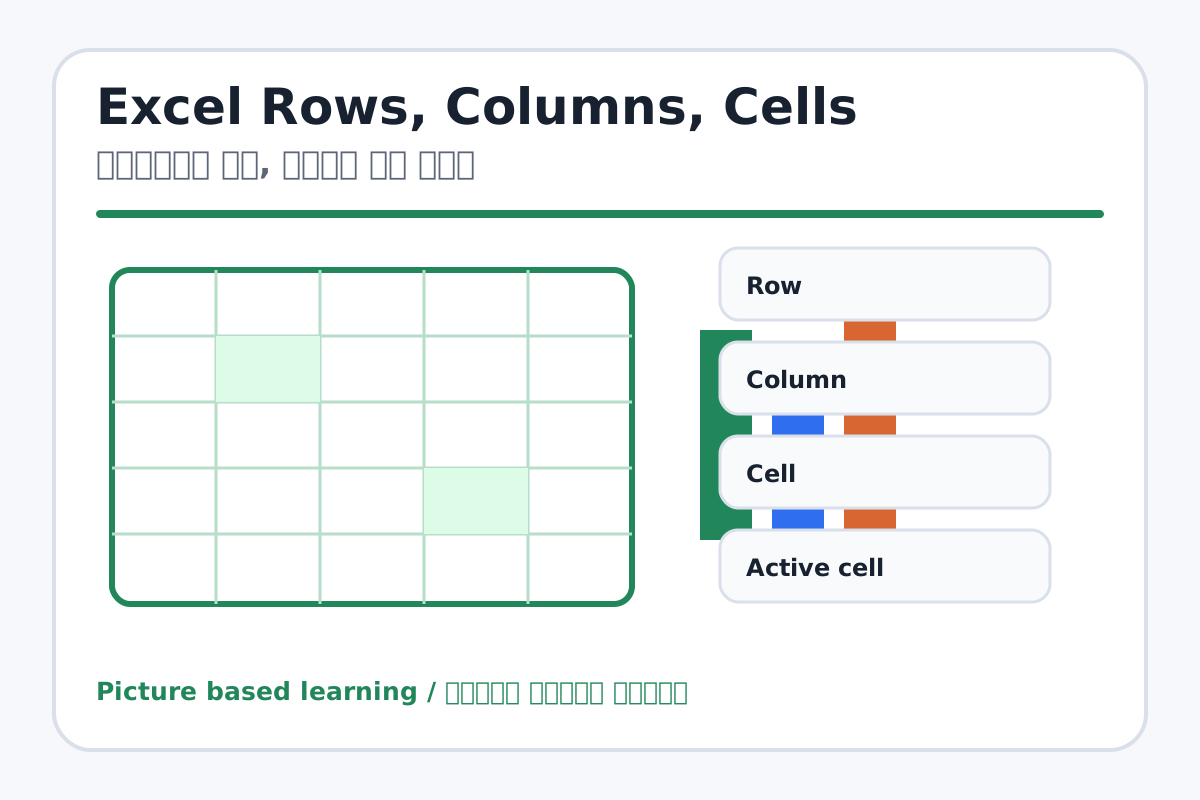
Excel Rows, Columns, Cells topic visual / एक्सेल रो, कॉलम और सेल चित्र
Chapter image shows the exact topic parts for visual learning. / Chapter image में topic के parts साफ दिखाए गए हैं.

Tool Heading & Description / टूल शीर्षक और विवरण

Row

Row is used to enter, calculate, arrange, format, or present data in Excel.

Row Excel में data enter, calculate, arrange, format या present करने में use होता है.

Column

Column is used to enter, calculate, arrange, format, or present data in Excel.

Column Excel में data enter, calculate, arrange, format या present करने में use होता है.

Cell

Cell is used to enter, calculate, arrange, format, or present data in Excel.

Cell Excel में data enter, calculate, arrange, format या present करने में use होता है.

Active cell

Active cell is used to enter, calculate, arrange, format, or present data in Excel.

Active cell Excel में data enter, calculate, arrange, format या present करने में use होता है.

Cell Address

Cell Address is used to enter, calculate, arrange, format, or present data in Excel.

Cell Address Excel में data enter, calculate, arrange, format या present करने में use होता है.

Learning Objectives / सीखने के लक्ष्य

  • Select rows, columns, cells, and ranges.
  • Understand cell addresses and ranges like A1:A5.
  • Enter, edit, clear, and move data.

Theory / Meaning / अर्थ

English MeaningRows, columns, and cells make the Excel grid. Data is entered in cells and identified by cell addresses.

Hindi MeaningRows, columns और cells मिलकर Excel grid बनाते हैं. Data cells में enter होता है और cell address से पहचाना जाता है.

Uses / उपयोग

  • Organizing marks, attendance, bills, and lists.
  • Selecting data for formatting or formulas.
  • Reading spreadsheet locations correctly.

Step-by-Step Teaching / पढ़ाने के स्टेप्स

  1. Click cell A1 and show it in Name Box.
  2. Type headings in row 1 and data below them.
  3. Select an entire row and an entire column.
  4. Select a range like A1:C5.
  5. Edit a cell by double click or formula bar.
  6. Clear content without deleting the whole sheet.

Teacher Explanation Notes / शिक्षक नोट्स

  • Students often confuse Delete key with deleting row/column; demonstrate carefully.
  • Practice naming cells aloud: column letter first, row number second.

Practical Work / प्रैक्टिकल कार्य

  • Enter five students' names and marks, then select range A1:C6.
  • Edit one mark and clear one empty cell.

Homework / गृहकार्य

  • Write 10 cell addresses in notebook.
  • Draw rows and columns and label them.

Short Test Questions / छोटे टेस्ट प्रश्न

  1. What is cell address?
  2. What is range?
  3. Which cell is first cell in Excel?
  4. How are rows named?
  5. How are columns named?

Viva Questions / मौखिक प्रश्न

  1. A1 ka matlab kya hai?
  2. Range A1:A5 me kitne cells ho sakte hain?
  3. Active cell kaise pehchante hain?

Real Image + Image Prompt / वास्तविक चित्र + इमेज प्रॉम्प्ट

Excel Rows, Columns, Cells educational image / एक्सेल रो, कॉलम और सेल educational image
Suggested file: excel-cell-row-column.jpg | सुझाया गया file name: excel-cell-row-column.jpg

Create a bright educational Excel grid image showing row numbers, column letters, active cell, cell address A1, range A1:C5, name box, and formula bar with Hindi and English labels.