Chapter 10 MS Word English + Hindi

Word File Tab

वर्ड फाइल टैब

Word File Tab

वर्ड फाइल टैब

The File tab manages document creation, opening, saving, printing, sharing, exporting, and closing. This chapter connects the topic with classroom explanation, real examples, and hands-on practice.

File tab से document create, open, save, print, share, export और close किया जाता है. इस chapter में topic को classroom explanation, real examples और hands-on practice से समझाया गया है.

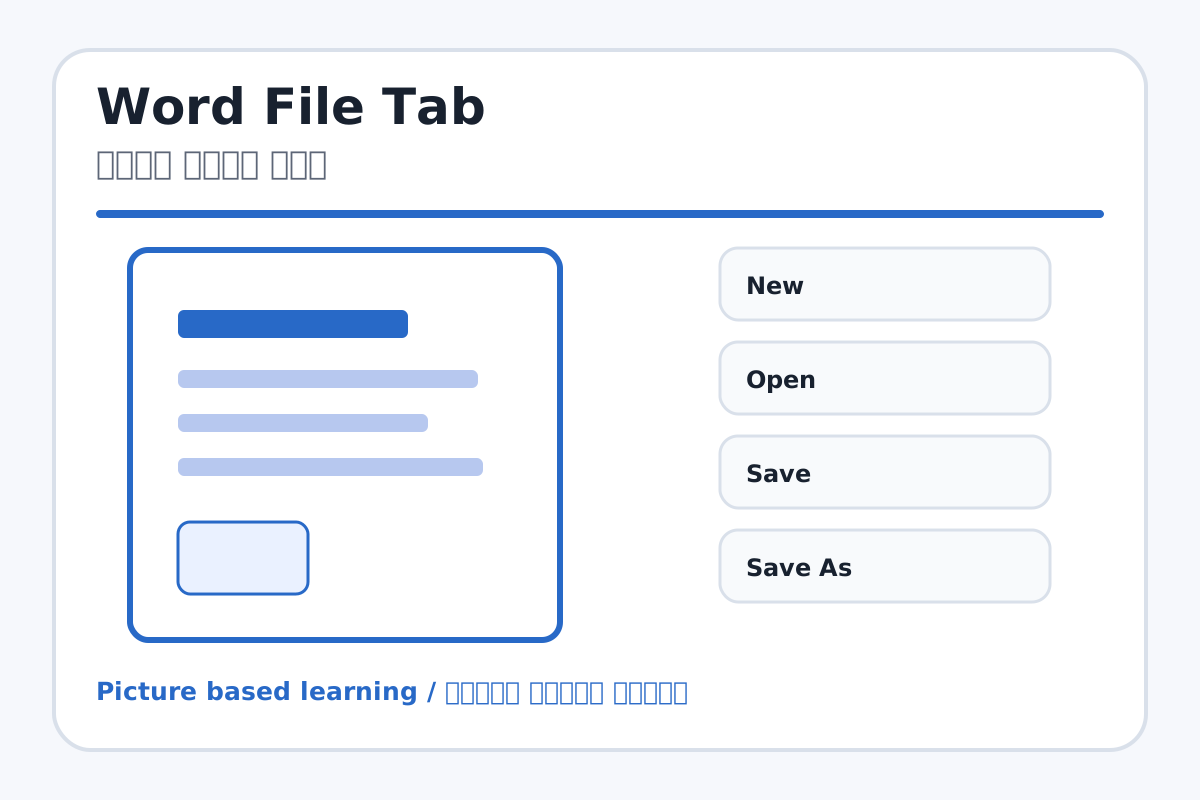
Word File Tab topic visual / वर्ड फाइल टैब चित्र
Chapter image shows the exact topic parts for visual learning. / Chapter image में topic के parts साफ दिखाए गए हैं.

Tool Heading & Description / टूल शीर्षक और विवरण

New

New is a file command used to create, open, save, print, share, export, or close work.

New file command है जिससे work create, open, save, print, share, export या close किया जाता है.

Open

Open is a file command used to create, open, save, print, share, export, or close work.

Open file command है जिससे work create, open, save, print, share, export या close किया जाता है.

Save

Save is a file command used to create, open, save, print, share, export, or close work.

Save file command है जिससे work create, open, save, print, share, export या close किया जाता है.

Save As

Save As is a file command used to create, open, save, print, share, export, or close work.

Save As file command है जिससे work create, open, save, print, share, export या close किया जाता है.

Print

Print is a file command used to create, open, save, print, share, export, or close work.

Print file command है जिससे work create, open, save, print, share, export या close किया जाता है.
Learning Objectives / सीखने के लक्ष्य

  • Use New, Open, Save, Save As, Print, Export, Share, and Close.
  • Understand Save vs Save As.
  • Export a document as PDF.

Theory / Meaning / अर्थ

English MeaningThe File tab manages document creation, opening, saving, printing, sharing, exporting, and closing.

Hindi MeaningFile tab से document create, open, save, print, share, export और close किया जाता है.

Uses / उपयोग

  • Creating new documents.
  • Saving work in a selected folder.
  • Printing or making PDF for sharing.

Step-by-Step Teaching / पढ़ाने के स्टेप्स

  1. Create a new blank document and type a heading.
  2. Click Save and choose the Word folder.
  3. Use Save As to create a second copy with a new name.
  4. Open Print Preview and check page view.
  5. Use Export or Save As PDF to create a PDF copy.

Teacher Explanation Notes / शिक्षक नोट्स

  • Use the same sample file for all File tab commands.
  • Explain PDF as a sharing format that keeps layout stable.

Practical Work / प्रैक्टिकल कार्य

  • Create and save a document named My First Document.
  • Save another copy as My First Document PDF.

Homework / गृहकार्य

  • Write use of New, Open, Save, Save As, Print, and Export.
  • Practice opening a saved document from folder.

Short Test Questions / छोटे टेस्ट प्रश्न

  1. What does New do?
  2. What is Save As?
  3. Why do we use Print Preview?
  4. What is PDF?
  5. What does Close do?

Viva Questions / मौखिक प्रश्न

  1. Save aur Save As me kya difference hai?
  2. Print se pehle preview kyon dekhte hain?
  3. Export ka use kya hai?

Real Image + Image Prompt / वास्तविक चित्र + इमेज प्रॉम्प्ट

Word File Tab educational image / वर्ड फाइल टैब educational image
Suggested file: word-home-tab.jpg | सुझाया गया file name: word-home-tab.jpg

Create an educational MS Word File tab image showing New, Open, Save, Save As, Print, Share, Export, and Close with Hindi and English labels and simple document icons.