Chapter 31 MS Excel English + Hindi

Excel Marksheet Project

एक्सेल मार्कशीट प्रोजेक्ट

Excel Marksheet Project

एक्सेल मार्कशीट प्रोजेक्ट

A marksheet project combines data entry, formatting, formulas, percentage, grade, and pass/fail result. This chapter connects the topic with classroom explanation, real examples, and hands-on practice.

Marksheet project data entry, formatting, formulas, percentage, grade और pass/fail result को combine करता है. इस chapter में topic को classroom explanation, real examples और hands-on practice से समझाया गया है.
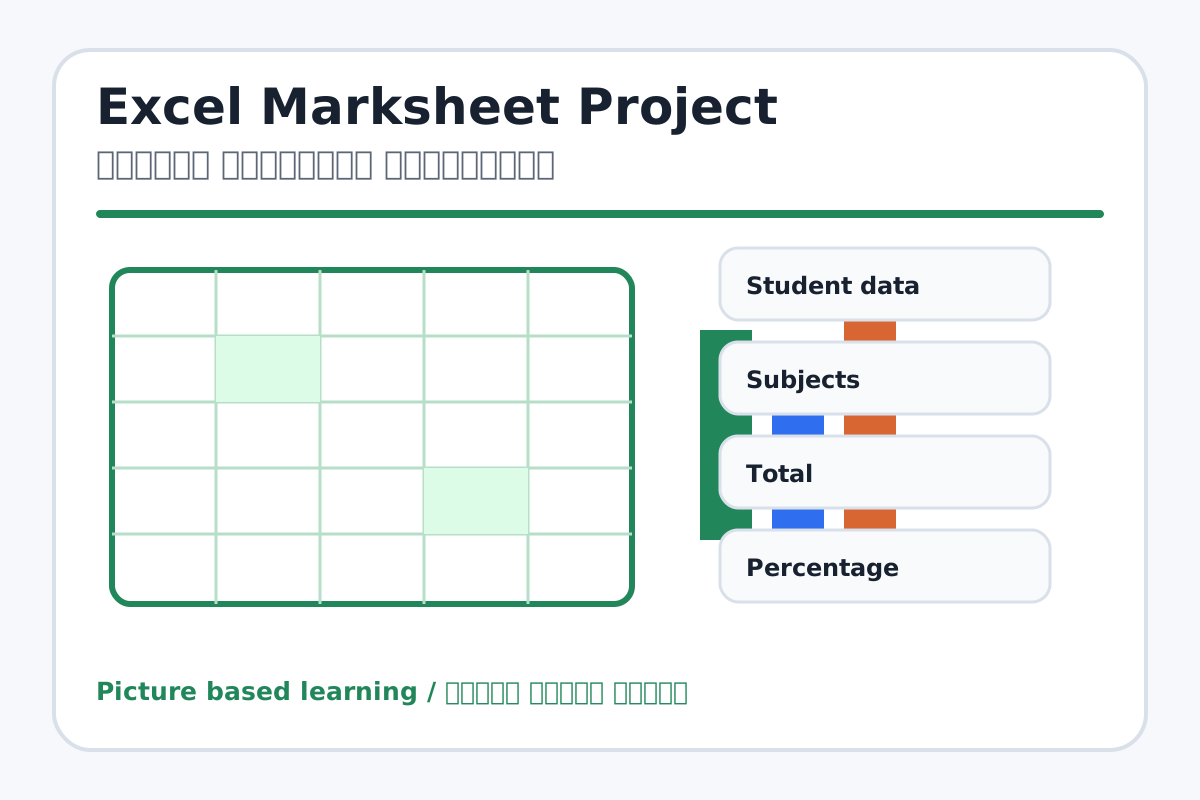
Excel Marksheet Project topic visual / एक्सेल मार्कशीट प्रोजेक्ट चित्र
Chapter image shows the exact topic parts for visual learning. / Chapter image में topic के parts साफ दिखाए गए हैं.

Tool Heading & Description / टूल शीर्षक और विवरण

Student data

Student data is a main point of Excel Marksheet Project and should be understood before practical work.

Student data Excel Marksheet Project ka main point hai; practical se pehle iska meaning samajhna zaroori hai.

Total

Total is a main point of Excel Marksheet Project and should be understood before practical work.

Total Excel Marksheet Project ka main point hai; practical se pehle iska meaning samajhna zaroori hai.

Percentage

Percentage is used to enter, calculate, arrange, format, or present data in Excel.

Percentage Excel में data enter, calculate, arrange, format या present करने में use होता है.

Grade

Grade is a main point of Excel Marksheet Project and should be understood before practical work.

Grade Excel Marksheet Project ka main point hai; practical se pehle iska meaning samajhna zaroori hai.

Pass/Fail

Pass/Fail is a main point of Excel Marksheet Project and should be understood before practical work.

Pass/Fail Excel Marksheet Project ka main point hai; practical se pehle iska meaning samajhna zaroori hai.

Learning Objectives / सीखने के लक्ष्य

  • Create a complete student marksheet.
  • Calculate total, percentage, grade, and pass/fail.
  • Format and prepare the sheet for printing.

Theory / Meaning / अर्थ

English MeaningA marksheet project combines data entry, formatting, formulas, percentage, grade, and pass/fail result.

Hindi MeaningMarksheet project data entry, formatting, formulas, percentage, grade और pass/fail result को combine करता है.

Uses / उपयोग

  • School result practice.
  • Learning formulas in a real project.
  • Understanding percentage and result format.

Step-by-Step Teaching / पढ़ाने के स्टेप्स

  1. Create heading using Merge & Center.
  2. Add columns: Roll No, Name, Hindi, English, Maths, Science, Computer, Total, Percentage, Grade, Result.
  3. Enter marks for at least five students.
  4. Use SUM for Total and percentage formula for Percentage.
  5. Use IF for Pass/Fail.
  6. Apply borders, colors, number formats, and print area.

Teacher Explanation Notes / शिक्षक नोट्स

  • Keep grading rule simple: 80+ A, 60+ B, 40+ C, below 40 Needs Practice, if you teach grades.
  • Check formulas by changing one mark and seeing result update.

Practical Work / प्रैक्टिकल कार्य

  • Create a full marksheet with total, percentage, grade, and pass/fail.
  • Add chart for total marks if time remains.

Homework / गृहकार्य

  • Prepare sample marks for five students.
  • Write formulas used in the marksheet.

Short Test Questions / छोटे टेस्ट प्रश्न

  1. Which formula finds total?
  2. How do we calculate percentage?
  3. Which formula gives Pass/Fail?
  4. Why format marksheet?
  5. What is print area?

Viva Questions / मौखिक प्रश्न

  1. Total column me kaunsa formula use kiya?
  2. Percentage ke liye total ko kis se divide karenge?
  3. Result automatic kyon update hota hai?

Real Image + Image Prompt / वास्तविक चित्र + इमेज प्रॉम्प्ट

Excel Marksheet Project educational image / एक्सेल मार्कशीट प्रोजेक्ट educational image
Suggested file: excel-formulas.jpg | सुझाया गया file name: excel-formulas.jpg

Create an educational Excel student marksheet project image with columns for subjects, total, percentage, grade, result, formulas visible, borders, colors, and Hindi-English labels.