Chapter 43 Internet English + Hindi

Google Search

गूगल सर्च

Google Search

गूगल सर्च

A search engine finds information on the Internet using keywords. This chapter connects the topic with classroom explanation, real examples, and hands-on practice.

Search engine keywords की help से Internet पर information खोजता है. इस chapter में topic को classroom explanation, real examples और hands-on practice से समझाया गया है.
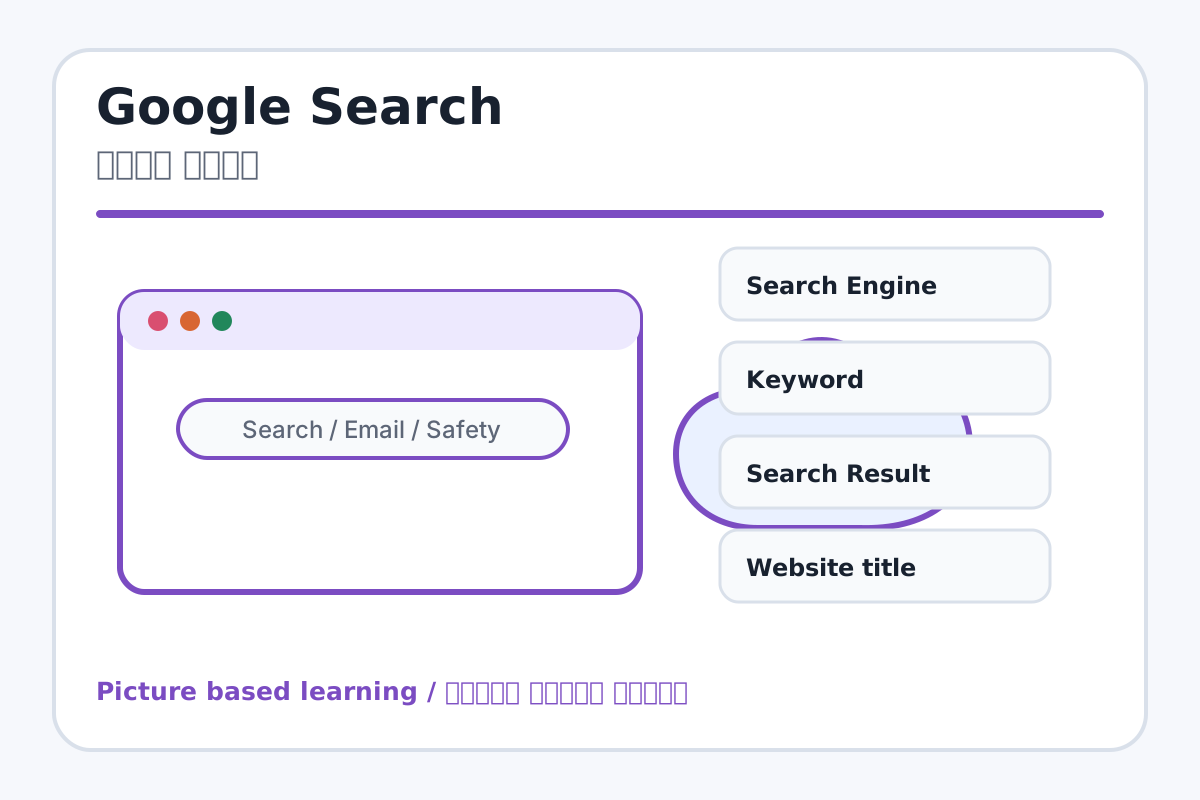
Google Search topic visual / गूगल सर्च चित्र
Chapter image shows the exact topic parts for visual learning. / Chapter image में topic के parts साफ दिखाए गए हैं.

Tool Heading & Description / टूल शीर्षक और विवरण

Search Engine

Search Engine helps search, communicate, browse, download, upload, or stay safe online.

Search Engine online search, communication, browsing, download, upload या safety में help करता है.

Keyword

Keyword is a main point of Google Search and should be understood before practical work.

Keyword Google Search ka main point hai; practical se pehle iska meaning samajhna zaroori hai.

Search Result

Search Result helps search, communicate, browse, download, upload, or stay safe online.

Search Result online search, communication, browsing, download, upload या safety में help करता है.

Website title

Website title controls paragraph layout, lists, spacing, borders, or document styles.

Website title paragraph layout, list, spacing, border या document style control करता है.

Snippet

Snippet is a main point of Google Search and should be understood before practical work.

Snippet Google Search ka main point hai; practical se pehle iska meaning samajhna zaroori hai.

Learning Objectives / सीखने के लक्ष्य

  • Use keywords for searching.
  • Read search results safely.
  • Search school topics effectively.

Theory / Meaning / अर्थ

English MeaningA search engine finds information on the Internet using keywords.

Hindi MeaningSearch engine keywords की help से Internet पर information खोजता है.

Uses / उपयोग

  • Finding information for projects.
  • Learning shortcut keys and computer topics.
  • Searching images, videos, and definitions.

Step-by-Step Teaching / पढ़ाने के स्टेप्स

  1. Open Google or another search engine.
  2. Type a clear keyword like Parts of Computer.
  3. Read titles and short descriptions before opening.
  4. Open a result in a new tab.
  5. Compare information from two safe sources.
  6. Avoid ads or unknown suspicious links.

Teacher Explanation Notes / शिक्षक नोट्स

  • Explain keyword as the main search word, not a full confused sentence.
  • Teach students to ask teacher before opening unfamiliar sites.

Practical Work / प्रैक्टिकल कार्य

  • Search: Parts of Computer, MS Word Shortcut Keys, Indian National Flag.
  • Write two useful points from each search.

Homework / गृहकार्य

  • Write five good search keywords for computer topics.
  • Write three rules for safe searching.

Short Test Questions / छोटे टेस्ट प्रश्न

  1. What is search engine?
  2. What is keyword?
  3. What is search result?
  4. Why compare sources?
  5. What is Safe Search?

Viva Questions / मौखिक प्रश्न

  1. Google kya karta hai?
  2. Keyword short hona chahiye ya bahut long?
  3. Unknown link par click karne se pehle kya sochna chahiye?

Real Image + Image Prompt / वास्तविक चित्र + इमेज प्रॉम्प्ट

Google Search educational image / गूगल सर्च educational image
Suggested file: browser-parts.jpg | सुझाया गया file name: browser-parts.jpg

Create an educational Google/search engine image showing keyword box, search button, search results, website title, snippet, safe search, and reliable source labels in Hindi and English.