Chapter 23 MS Excel English + Hindi

Excel Home Tab

एक्सेल होम टैब

Excel Home Tab

एक्सेल होम टैब

Excel Home tab contains common tools for clipboard, font, alignment, number format, styles, cells, and editing. This chapter connects the topic with classroom explanation, real examples, and hands-on practice.

Excel Home tab में clipboard, font, alignment, number format, styles, cells और editing के common tools होते हैं. इस chapter में topic को classroom explanation, real examples और hands-on practice से समझाया गया है.
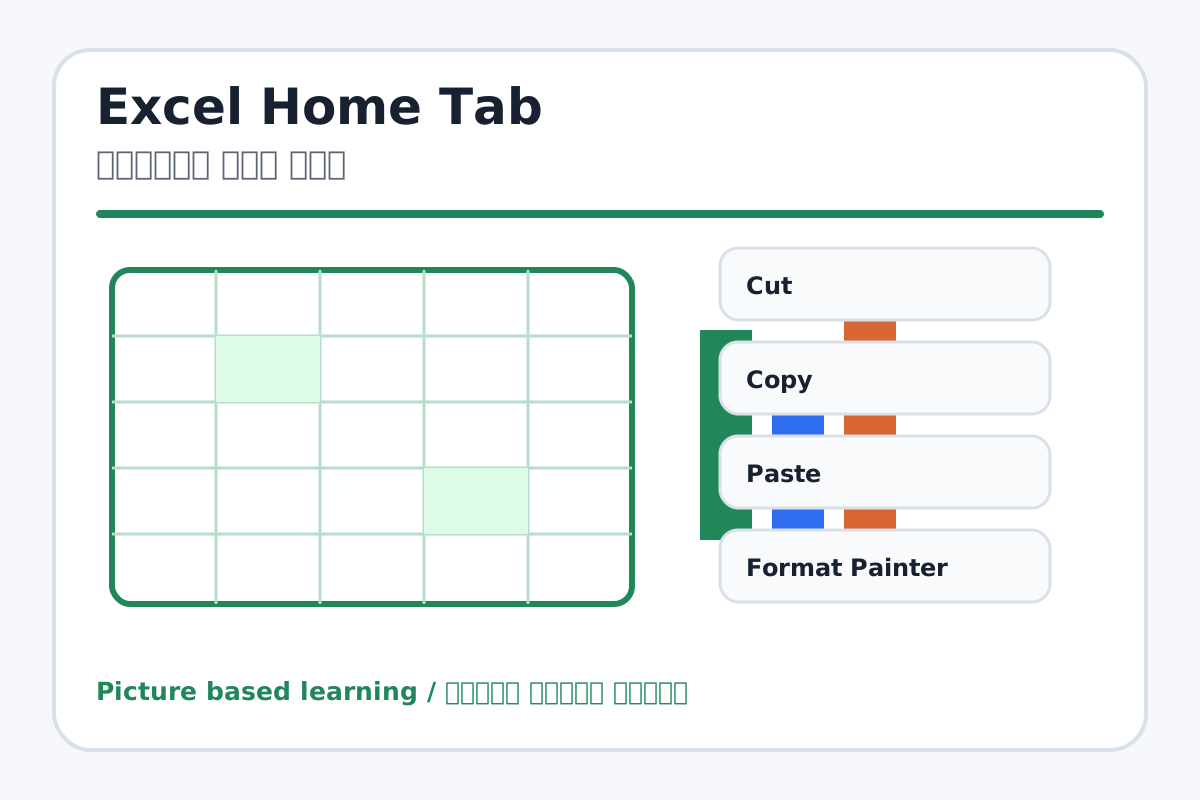
Excel Home Tab topic visual / एक्सेल होम टैब चित्र
Chapter image shows the exact topic parts for visual learning. / Chapter image में topic के parts साफ दिखाए गए हैं.

Tool Heading & Description / टूल शीर्षक और विवरण

Cut

Cut is a Clipboard command used to move, duplicate, paste, or copy formatting.

Cut Clipboard command है जो text/object को move, duplicate, paste या formatting copy करने में help करता है.

Copy

Copy is a Clipboard command used to move, duplicate, paste, or copy formatting.

Copy Clipboard command है जो text/object को move, duplicate, paste या formatting copy करने में help करता है.

Paste

Paste is a Clipboard command used to move, duplicate, paste, or copy formatting.

Paste Clipboard command है जो text/object को move, duplicate, paste या formatting copy करने में help करता है.

Format Painter

Format Painter is a Clipboard command used to move, duplicate, paste, or copy formatting.

Format Painter Clipboard command है जो text/object को move, duplicate, paste या formatting copy करने में help करता है.

Font

Font is a Font command that changes the look of selected text.

Font Font command है जो selected text का look change करता है.

Learning Objectives / सीखने के लक्ष्य

  • Use font formatting, borders, fill color, and font color.
  • Apply alignment, Wrap Text, and Merge & Center.
  • Use AutoSum, Fill, Clear, Sort & Filter, and Find.

Theory / Meaning / अर्थ

English MeaningExcel Home tab contains common tools for clipboard, font, alignment, number format, styles, cells, and editing.

Hindi MeaningExcel Home tab में clipboard, font, alignment, number format, styles, cells और editing के common tools होते हैं.

Uses / उपयोग

  • Making a neat marksheet heading.
  • Formatting cells for readability.
  • Quickly totaling and organizing data.

Step-by-Step Teaching / पढ़ाने के स्टेप्स

  1. Create a marksheet heading and use Merge & Center.
  2. Apply bold, fill color, font color, and borders.
  3. Use alignment tools to center headings.
  4. Use Wrap Text for long headings.
  5. Use AutoSum for a small number list.
  6. Use Sort & Filter on a name list.

Teacher Explanation Notes / शिक्षक नोट्स

  • In Excel, formatting is applied to selected cells, not just text.
  • Teach Merge & Center only for headings, not data tables.

Practical Work / प्रैक्टिकल कार्य

  • Create a student marksheet heading using Merge & Center.
  • Format a small table with borders, colors, and alignment.

Homework / गृहकार्य

  • Write the use of Merge & Center, Wrap Text, Border, Fill Color, and AutoSum.
  • Practice formatting a table in notebook.

Short Test Questions / छोटे टेस्ट प्रश्न

  1. What is Merge & Center?
  2. What is Wrap Text?
  3. Which tool adds cell border?
  4. What does AutoSum do?
  5. What does Fill Color change?

Viva Questions / मौखिक प्रश्न

  1. Excel me font formatting cell par lagti hai ya page par?
  2. Sort & Filter ka use kya hai?
  3. Clear tool kya remove karta hai?

Real Image + Image Prompt / वास्तविक चित्र + इमेज प्रॉम्प्ट

Excel Home Tab educational image / एक्सेल होम टैब educational image
Suggested file: ms-excel-interface.jpg | सुझाया गया file name: ms-excel-interface.jpg

Create an educational Excel Home tab image showing Clipboard, Font, Alignment, Number, Styles, Cells, and Editing groups with labels for Border, Fill Color, Merge & Center, Wrap Text, AutoSum, Sort & Filter in Hindi and English.