Chapter 28 MS Excel English + Hindi

Excel IF Formula

एक्सेल IF फॉर्मूला

Excel IF Formula

एक्सेल IF फॉर्मूला

The IF formula checks a condition and returns one result if true and another result if false. This chapter connects the topic with classroom explanation, real examples, and hands-on practice.

IF formula condition check करता है और condition true होने पर एक result, false होने पर दूसरा result देता है. इस chapter में topic को classroom explanation, real examples और hands-on practice से समझाया गया है.
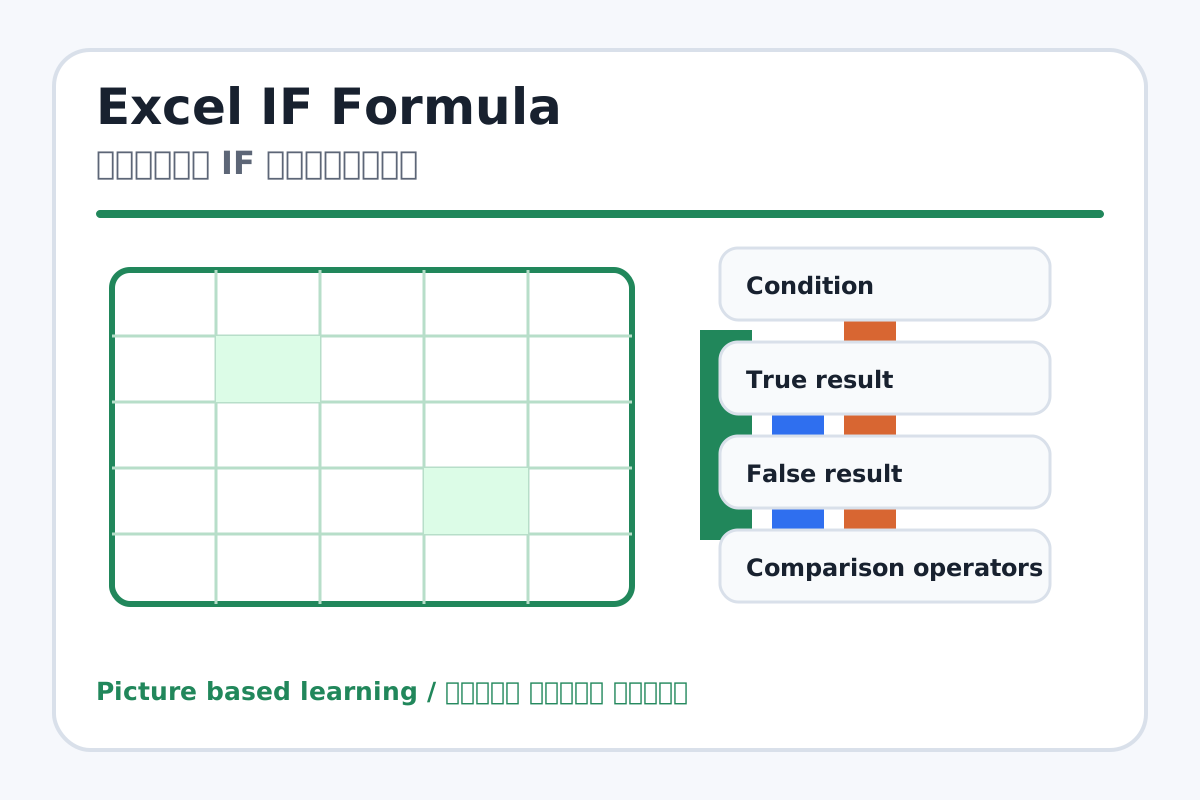
Excel IF Formula topic visual / एक्सेल IF फॉर्मूला चित्र
Chapter image shows the exact topic parts for visual learning. / Chapter image में topic के parts साफ दिखाए गए हैं.

Tool Heading & Description / टूल शीर्षक और विवरण

Condition

Condition is a main point of Excel IF Formula and should be understood before practical work.

Condition Excel IF Formula ka main point hai; practical se pehle iska meaning samajhna zaroori hai.

True result

True result is a main point of Excel IF Formula and should be understood before practical work.

True result Excel IF Formula ka main point hai; practical se pehle iska meaning samajhna zaroori hai.

False result

False result is a main point of Excel IF Formula and should be understood before practical work.

False result Excel IF Formula ka main point hai; practical se pehle iska meaning samajhna zaroori hai.

Comparison operators

Comparison operators is a main point of Excel IF Formula and should be understood before practical work.

Comparison operators Excel IF Formula ka main point hai; practical se pehle iska meaning samajhna zaroori hai.

Pass/Fail

Pass/Fail is a main point of Excel IF Formula and should be understood before practical work.

Pass/Fail Excel IF Formula ka main point hai; practical se pehle iska meaning samajhna zaroori hai.

Learning Objectives / सीखने के लक्ष्य

  • Understand IF condition logic.
  • Write =IF(A1>=33,"Pass","Fail").
  • Use IF for pass/fail and grade basics.

Theory / Meaning / अर्थ

English MeaningThe IF formula checks a condition and returns one result if true and another result if false.

Hindi MeaningIF formula condition check करता है और condition true होने पर एक result, false होने पर दूसरा result देता है.

Uses / उपयोग

  • Pass/fail result.
  • Discount or no discount.
  • Yes/no decisions in data.

Step-by-Step Teaching / पढ़ाने के स्टेप्स

  1. Enter marks for students in a column.
  2. In Result column type =IF(C2>=33,"Pass","Fail").
  3. Copy formula down using fill handle.
  4. Change marks and observe result update.
  5. Discuss comparison operators: >, <, >=, <=, =.

Teacher Explanation Notes / शिक्षक नोट्स

  • Use Pass/Fail before grades; it is easiest for beginners.
  • Explain quotes are used for text results like Pass and Fail.

Practical Work / प्रैक्टिकल कार्य

  • Create a result sheet with marks and Pass/Fail using IF.
  • Optional: add Grade using simple IF conditions if class is ready.

Homework / गृहकार्य

  • Write three real-life IF conditions in English/Hindi.
  • Practice IF formula for marks >= 40.

Short Test Questions / छोटे टेस्ट प्रश्न

  1. What does IF formula do?
  2. What are true and false results?
  3. What is >= used for?
  4. Why are Pass and Fail in quotes?
  5. What happens if marks change?

Viva Questions / मौखिक प्रश्न

  1. IF formula me condition kahan hoti hai?
  2. Pass/Fail ke liye minimum marks kitne maan rahe hain?
  3. Fill handle se formula kaise copy hota hai?

Real Image + Image Prompt / वास्तविक चित्र + इमेज प्रॉम्प्ट

Excel IF Formula educational image / एक्सेल IF फॉर्मूला educational image
Suggested file: excel-formulas.jpg | सुझाया गया file name: excel-formulas.jpg

Create a beginner-friendly Excel IF formula image showing a student marks table with formula =IF(C2>=33,"Pass","Fail") and Hindi-English labels for condition, true result, false result, and fill handle.