Chapter 01 Computer Basics English + Hindi

Computer Introduction

कंप्यूटर परिचय

Course Home Next Chapter

Computer Introduction

कंप्यूटर परिचय

A computer is an electronic machine that takes input, processes it, stores data, and gives output. This chapter connects the topic with classroom explanation, real examples, and hands-on practice.

Computer एक electronic machine है जो input लेता है, process करता है, data store करता है और output देता है. इस chapter में topic को classroom explanation, real examples और hands-on practice से समझाया गया है.

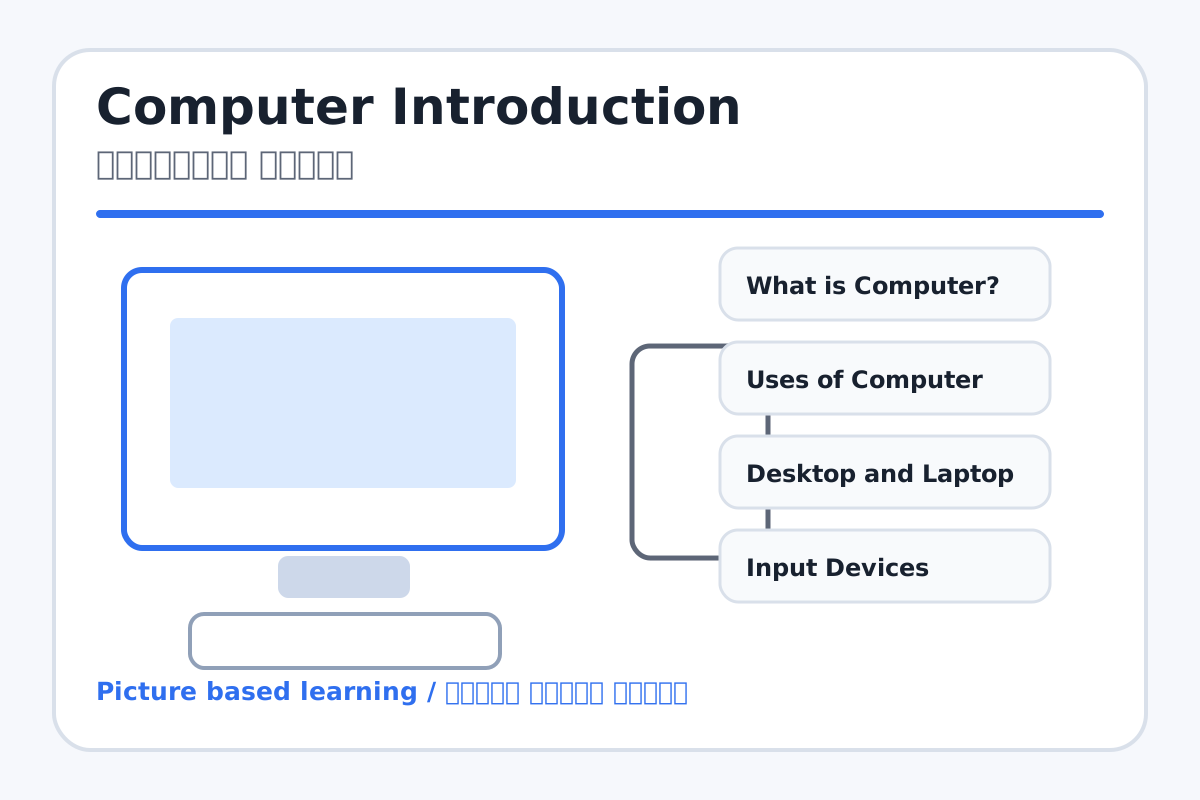
Computer Introduction topic visual / कंप्यूटर परिचय चित्र
Chapter image shows the exact topic parts for visual learning. / Chapter image में topic के parts साफ दिखाए गए हैं.

Tool Heading & Description / टूल शीर्षक और विवरण

What is Computer?

What is Computer? is a main computer basics point used to understand input, process, output, storage, hardware, software, and daily computer use.

What is Computer? computer basics ka main point hai; isse input, process, output, storage, hardware, software aur daily use samajh aata hai.
Uses of Computer

Uses of Computer is a main computer basics point used to understand input, process, output, storage, hardware, software, and daily computer use.

Uses of Computer computer basics ka main point hai; isse input, process, output, storage, hardware, software aur daily use samajh aata hai.

Input Devices

Input Devices is a main computer basics point used to understand input, process, output, storage, hardware, software, and daily computer use.

Input Devices computer basics ka main point hai; isse input, process, output, storage, hardware, software aur daily use samajh aata hai.

Output Devices

Output Devices is a main computer basics point used to understand input, process, output, storage, hardware, software, and daily computer use.

Output Devices computer basics ka main point hai; isse input, process, output, storage, hardware, software aur daily use samajh aata hai.

Software and Hardware

Software and Hardware is a main computer basics point used to understand input, process, output, storage, hardware, software, and daily computer use.

Software and Hardware computer basics ka main point hai; isse input, process, output, storage, hardware, software aur daily use samajh aata hai.

Learning Objectives / सीखने के लक्ष्य

  • Define computer in simple words.
  • Identify input, process, output, and storage.
  • Explain common uses of computers in school and daily life.

Theory / Meaning / अर्थ

English MeaningA computer is an electronic machine that takes input, processes it, stores data, and gives output.

Hindi MeaningComputer एक electronic machine है जो input लेता है, process करता है, data store करता है और output देता है.

Uses / उपयोग

  • Typing letters and school projects.
  • Drawing, learning videos, online classes, and games.
  • Keeping records in offices, shops, banks, hospitals, and schools.

Step-by-Step Teaching / पढ़ाने के स्टेप्स

  1. Show a real desktop or laptop and name each visible part.
  2. Explain input with keyboard/mouse, process with CPU, and output with monitor/printer.
  3. Ask students to give examples of computers used at home, school, shops, and banks.
  4. Draw an IPO chart: Input -> Process -> Output.

Teacher Explanation Notes / शिक्षक नोट्स

  • Use classroom examples: marks entry, fee receipt, drawing, and online class.
  • Keep hardware/software explanation practical: touchable parts are hardware, programs are software.

Practical Work / प्रैक्टिकल कार्य

  • Students draw a simple computer system and label monitor, CPU, keyboard, mouse, and printer.
  • Students write five uses of computer in English or Hindi.

Homework / गृहकार्य

  • Write the definition of computer in both English and Hindi.
  • Paste or draw pictures of three places where computers are used.

Short Test Questions / छोटे टेस्ट प्रश्न

  1. What is a computer?
  2. Name two input devices.
  3. Name two output devices.
  4. What is hardware?
  5. What is software?

Viva Questions / मौखिक प्रश्न

  1. Computer input ka example kya hai?
  2. Monitor output device kyon hai?
  3. Laptop aur desktop me ek difference batao.

Real Image + Image Prompt / वास्तविक चित्र + इमेज प्रॉम्प्ट

Computer Introduction educational image / कंप्यूटर परिचय educational image
Suggested file: computer-basics-parts.jpg | सुझाया गया file name: computer-basics-parts.jpg

Create a clean educational image showing all basic parts of a computer: monitor, CPU, keyboard, mouse, printer, speaker, webcam, and UPS. Add Hindi and English labels. Bright classroom style, clear icons, school-friendly design.