Chapter 40 MS PowerPoint English + Hindi

PowerPoint Project

पावरपॉइंट प्रोजेक्ट

PowerPoint Project

पावरपॉइंट प्रोजेक्ट

A PowerPoint project combines slides, layout, design, images, transitions, animations, and presentation skills. This chapter connects the topic with classroom explanation, real examples, and hands-on practice.

PowerPoint project slides, layout, design, images, transitions, animations और presentation skills को combine करता है. इस chapter में topic को classroom explanation, real examples और hands-on practice से समझाया गया है.
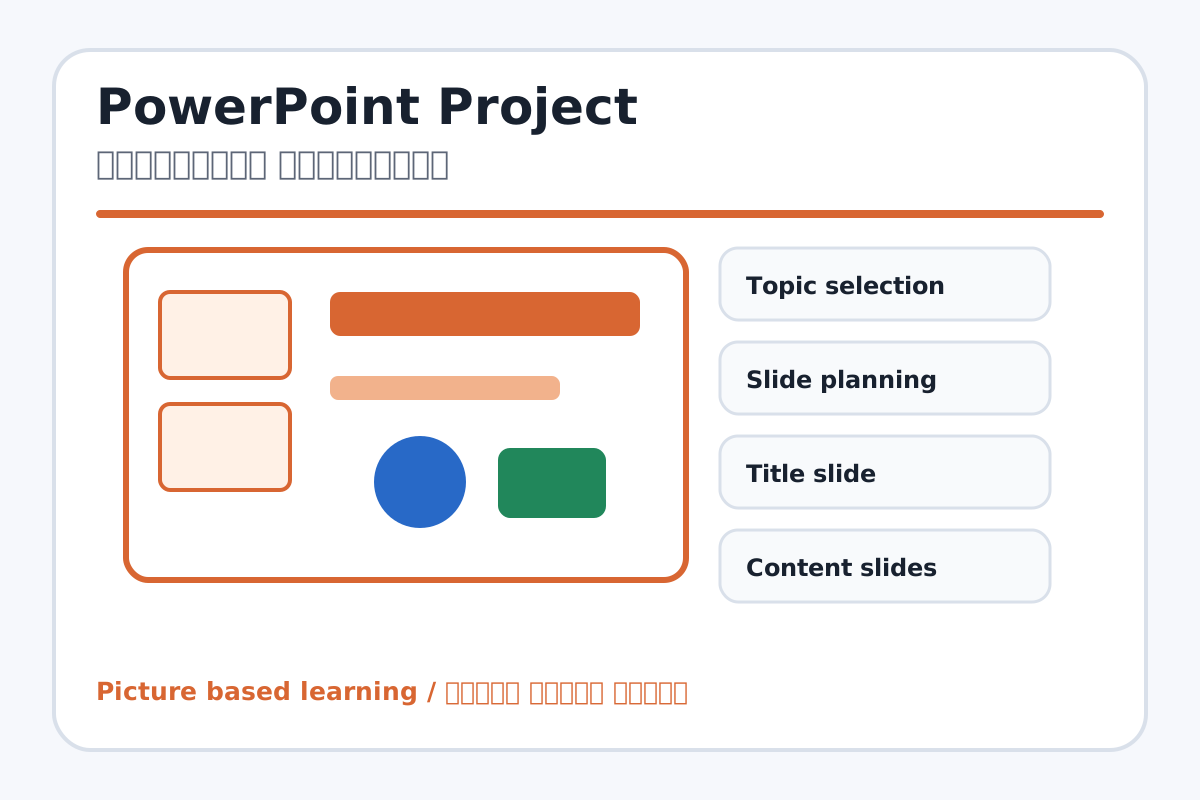
PowerPoint Project topic visual / पावरपॉइंट प्रोजेक्ट चित्र
Chapter image shows the exact topic parts for visual learning. / Chapter image में topic के parts साफ दिखाए गए हैं.

Tool Heading & Description / टूल शीर्षक और विवरण

Topic selection

Topic selection is a main point of PowerPoint Project and should be understood before practical work.

Topic selection PowerPoint Project ka main point hai; practical se pehle iska meaning samajhna zaroori hai.

Slide planning

Slide planning helps create, design, animate, or present slides in PowerPoint.

Slide planning PowerPoint में slides create, design, animate या present करने में help करता है.

Content slides

Content slides helps create, design, animate, or present slides in PowerPoint.

Content slides PowerPoint में slides create, design, animate या present करने में help करता है.

Design

Design is a main point of PowerPoint Project and should be understood before practical work.

Design PowerPoint Project ka main point hai; practical se pehle iska meaning samajhna zaroori hai.

Slide Show

Slide Show helps create, design, animate, or present slides in PowerPoint.

Slide Show PowerPoint में slides create, design, animate या present करने में help करता है.

Learning Objectives / सीखने के लक्ष्य

  • Create a complete 5-slide presentation.
  • Use readable slide design and visual content.
  • Present confidently in slide show mode.

Theory / Meaning / अर्थ

English MeaningA PowerPoint project combines slides, layout, design, images, transitions, animations, and presentation skills.

Hindi MeaningPowerPoint project slides, layout, design, images, transitions, animations और presentation skills को combine करता है.

Uses / उपयोग

  • School topic presentation.
  • Quiz, photo album, advertisement, and animated story.
  • Final PowerPoint practical test.

Step-by-Step Teaching / पढ़ाने के स्टेप्स

  1. Choose a topic: My School, Save Water, Computer Parts, Festival Greeting, or Science Topic.
  2. Plan 5 slides: title, introduction, main points, image/example, conclusion.
  3. Apply one theme and readable font sizes.
  4. Insert images, shapes, and bullet points.
  5. Apply simple transitions and limited animations.
  6. Run slide show and present to class.

Teacher Explanation Notes / शिक्षक नोट्स

  • Evaluate message clarity, not only decoration.
  • Keep animations simple so the presentation remains professional.

Practical Work / प्रैक्टिकल कार्य

  • Create and present a 5-slide presentation on Save Water or My School.
  • Export as PDF or video if available.

Homework / गृहकार्य

  • Write slide-wise plan for a 5-slide presentation.
  • Prepare speaking lines for each slide.

Short Test Questions / छोटे टेस्ट प्रश्न

  1. How many slides are in this project?
  2. Why plan slides first?
  3. Why use images?
  4. Why limit animations?
  5. What is final presentation?

Viva Questions / मौखिक प्रश्न

  1. Tumhare PPT ka topic kya hai?
  2. Theme ka use kya hai?
  3. Conclusion slide me kya likha?

Real Image + Image Prompt / वास्तविक चित्र + इमेज प्रॉम्प्ट

PowerPoint Project educational image / पावरपॉइंट प्रोजेक्ट educational image
Suggested file: ppt-animation-transition.jpg | सुझाया गया file name: ppt-animation-transition.jpg

Create an educational PowerPoint project overview image showing a 5-slide presentation storyboard with title slide, bullet slide, image slide, chart/diagram slide, conclusion slide, transitions, animations, and slide show labels in Hindi and English.