Chapter 39 MS PowerPoint English + Hindi

PowerPoint Slide Show

पावरपॉइंट स्लाइड शो

PowerPoint Slide Show

पावरपॉइंट स्लाइड शो

Slide Show displays the presentation full screen for an audience. This chapter connects the topic with classroom explanation, real examples, and hands-on practice.

Slide Show presentation को audience के सामने full screen में दिखाता है. इस chapter में topic को classroom explanation, real examples और hands-on practice से समझाया गया है.
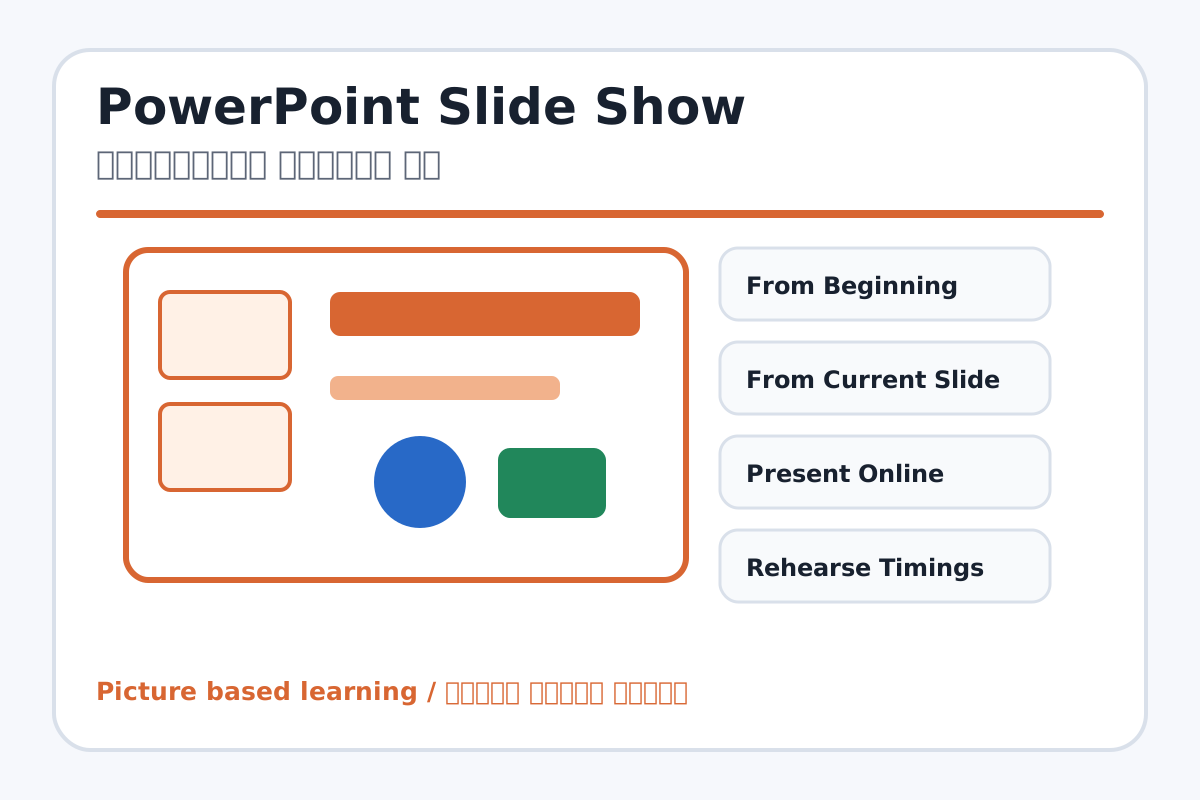
PowerPoint Slide Show topic visual / पावरपॉइंट स्लाइड शो चित्र
Chapter image shows the exact topic parts for visual learning. / Chapter image में topic के parts साफ दिखाए गए हैं.

Tool Heading & Description / टूल शीर्षक और विवरण

From Beginning

From Beginning is a main point of PowerPoint Slide Show and should be understood before practical work.

From Beginning PowerPoint Slide Show ka main point hai; practical se pehle iska meaning samajhna zaroori hai.

From Current Slide

From Current Slide helps create, design, animate, or present slides in PowerPoint.

From Current Slide PowerPoint में slides create, design, animate या present करने में help करता है.

Present Online

Present Online is used for drawing, coloring, editing, or designing in MS Paint.

Present Online MS Paint में drawing, coloring, editing या designing के लिए use होता है.

Rehearse Timings

Rehearse Timings is used to enter, calculate, arrange, format, or present data in Excel.

Rehearse Timings Excel में data enter, calculate, arrange, format या present करने में use होता है.

Record Slide Show

Record Slide Show helps create, design, animate, or present slides in PowerPoint.

Record Slide Show PowerPoint में slides create, design, animate या present करने में help करता है.

Learning Objectives / सीखने के लक्ष्य

  • Start slide show from beginning and current slide.
  • Use rehearse timings and record slide show awareness.
  • Set up a presentation for delivery.

Theory / Meaning / अर्थ

English MeaningSlide Show displays the presentation full screen for an audience.

Hindi MeaningSlide Show presentation को audience के सामने full screen में दिखाता है.

Uses / उपयोग

  • Presenting school projects.
  • Practicing speech timing.
  • Showing final PPT to class.

Step-by-Step Teaching / पढ़ाने के स्टेप्स

  1. Open a completed presentation.
  2. Start From Beginning and move with keyboard or mouse.
  3. Start From Current Slide for quick checking.
  4. Practice speaking with Rehearse Timings.
  5. Explain Record Slide Show for narration if available.
  6. Use Esc to exit slide show.

Teacher Explanation Notes / शिक्षक नोट्स

  • Teach students to look at audience, not only screen.
  • Use a short 5-slide presentation for timing practice.

Practical Work / प्रैक्टिकल कार्य

  • Present a 5-slide PPT on My School or Computer Parts.
  • Use slide show mode and speak one or two lines per slide.

Homework / गृहकार्य

  • Practice presentation speech for 2 minutes.
  • Write three presentation manners.

Short Test Questions / छोटे टेस्ट प्रश्न

  1. What is Slide Show?
  2. What does From Beginning do?
  3. What does From Current Slide do?
  4. What is Rehearse Timings?
  5. Which key exits slide show?

Viva Questions / मौखिक प्रश्न

  1. Presentation full screen me kaise start karte hain?
  2. Timing practice kyon zaroori hai?
  3. Record Slide Show ka use kya hai?

Real Image + Image Prompt / वास्तविक चित्र + इमेज प्रॉम्प्ट

PowerPoint Slide Show educational image / पावरपॉइंट स्लाइड शो educational image
Suggested file: ms-powerpoint-interface.jpg | सुझाया गया file name: ms-powerpoint-interface.jpg

Create an educational PowerPoint Slide Show tab image showing From Beginning, From Current Slide, Present Online, Rehearse Timings, Record Slide Show, Set Up Slide Show, and full-screen presentation view with Hindi-English labels.