Chapter 15 MS Word English + Hindi

Word References and Review

वर्ड रेफरेंसेस और रिव्यू

Word References and Review

वर्ड रेफरेंसेस और रिव्यू

References tools add table of contents, footnotes, citations, bibliography, and captions. Review tools check spelling, word count, translation, comments, changes, and protection. This chapter connects the topic with classroom explanation, real examples, and hands-on practice.

References tools table of contents, footnotes, citations, bibliography और captions add करते हैं. Review tools spelling, word count, translation, comments, changes और protection check करते हैं. इस chapter में topic को classroom explanation, real examples और hands-on practice से समझाया गया है.
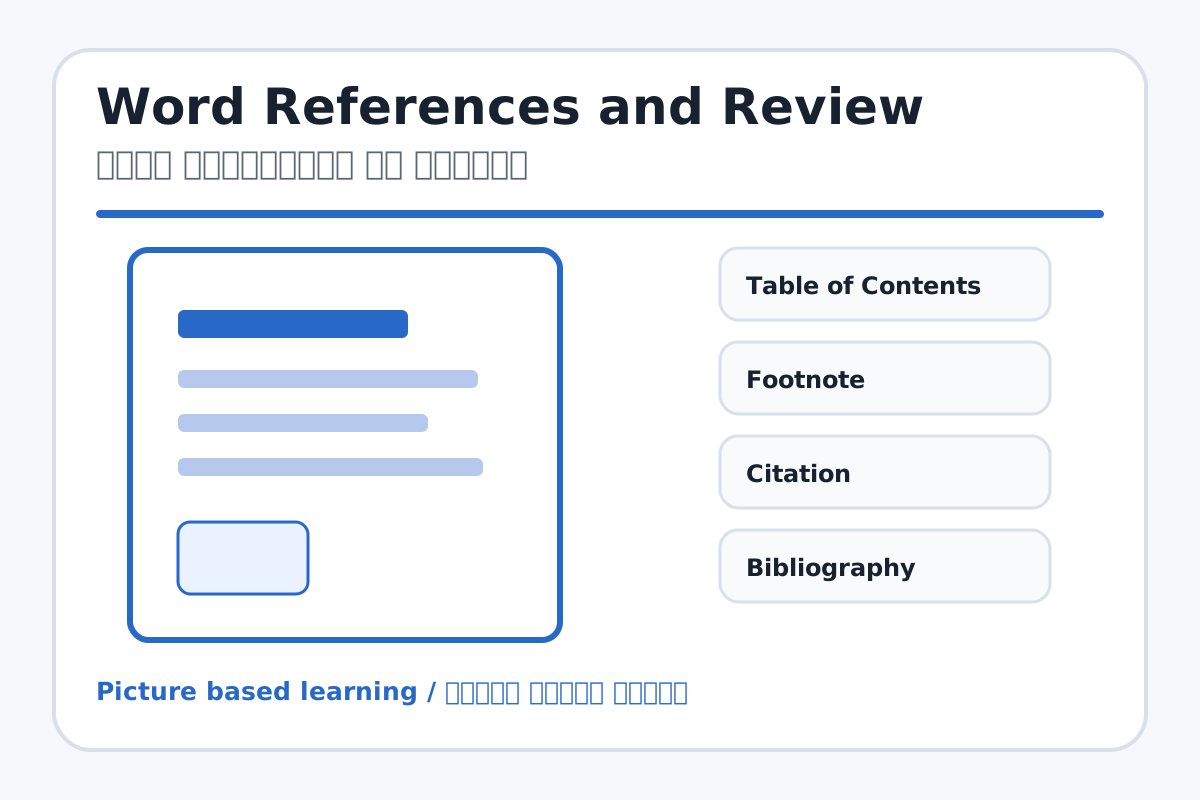
Word References and Review topic visual / वर्ड रेफरेंसेस और रिव्यू चित्र
Chapter image shows the exact topic parts for visual learning. / Chapter image में topic के parts साफ दिखाए गए हैं.

Tool Heading & Description / टूल शीर्षक और विवरण

Table of Contents

Table of Contents is part of the Word working window used to create and edit documents.

Table of Contents Word working window का part है जिससे documents create और edit किए जाते हैं.

Footnote

Footnote is a main point of Word References and Review and should be understood before practical work.

Footnote Word References and Review ka main point hai; practical se pehle iska meaning samajhna zaroori hai.

Citation

Citation is a main point of Word References and Review and should be understood before practical work.

Citation Word References and Review ka main point hai; practical se pehle iska meaning samajhna zaroori hai.

Bibliography

Bibliography is a main point of Word References and Review and should be understood before practical work.

Bibliography Word References and Review ka main point hai; practical se pehle iska meaning samajhna zaroori hai.

Caption

Caption is a main point of Word References and Review and should be understood before practical work.

Caption Word References and Review ka main point hai; practical se pehle iska meaning samajhna zaroori hai.

Learning Objectives / सीखने के लक्ष्य

  • Create a basic table of contents using headings.
  • Add footnote and caption.
  • Use spelling check, word count, comments, and protect document.

Theory / Meaning / अर्थ

English MeaningReferences tools add table of contents, footnotes, citations, bibliography, and captions. Review tools check spelling, word count, translation, comments, changes, and protection.

Hindi MeaningReferences tools table of contents, footnotes, citations, bibliography और captions add करते हैं. Review tools spelling, word count, translation, comments, changes और protection check करते हैं.

Uses / उपयोग

  • Making school project files.
  • Adding source details and image captions.
  • Checking mistakes before printing.

Step-by-Step Teaching / पढ़ाने के स्टेप्स

  1. Apply Heading 1 and Heading 2 in a sample project.
  2. Insert an automatic Table of Contents.
  3. Insert a picture and add a caption.
  4. Add one footnote for extra explanation.
  5. Run Spelling & Grammar check.
  6. Add a comment and check Word Count.

Teacher Explanation Notes / शिक्षक नोट्स

  • Explain that Table of Contents works properly only when headings are styled.
  • Use comments as teacher feedback examples.

Practical Work / प्रैक्टिकल कार्य

  • Create a 5-page mini project with headings and Table of Contents.
  • Add one caption, one footnote, and run spelling check.

Homework / गृहकार्य

  • Write the use of Table of Contents, Footnote, Caption, Word Count, and Comments.
  • Prepare topics for a 5-page project.

Short Test Questions / छोटे टेस्ट प्रश्न

  1. What is Table of Contents?
  2. What is Footnote?
  3. What does Word Count show?
  4. What is Comment used for?
  5. What is Protect Document?

Viva Questions / मौखिक प्रश्न

  1. TOC banane ke liye heading styles kyon zaroori hain?
  2. Spelling check ka benefit kya hai?
  3. Caption kahan lagta hai?

Real Image + Image Prompt / वास्तविक चित्र + इमेज प्रॉम्प्ट

Word References and Review educational image / वर्ड रेफरेंसेस और रिव्यू educational image
Suggested file: word-page-layout.jpg | सुझाया गया file name: word-page-layout.jpg

Create an educational image for MS Word References and Review tabs showing Table of Contents, Footnote, Citation, Bibliography, Caption, Spelling & Grammar, Word Count, Comments, Track Changes, and Protect Document with Hindi and English labels.