Chapter 33 MS PowerPoint English + Hindi

PowerPoint Introduction

पावरपॉइंट परिचय

PowerPoint Introduction

पावरपॉइंट परिचय

MS PowerPoint is used to create presentations with slides, text, images, videos, animations, and transitions. This chapter connects the topic with classroom explanation, real examples, and hands-on practice.

MS PowerPoint slides, text, images, videos, animations और transitions के साथ presentation बनाने के लिए use होता है. इस chapter में topic को classroom explanation, real examples और hands-on practice से समझाया गया है.
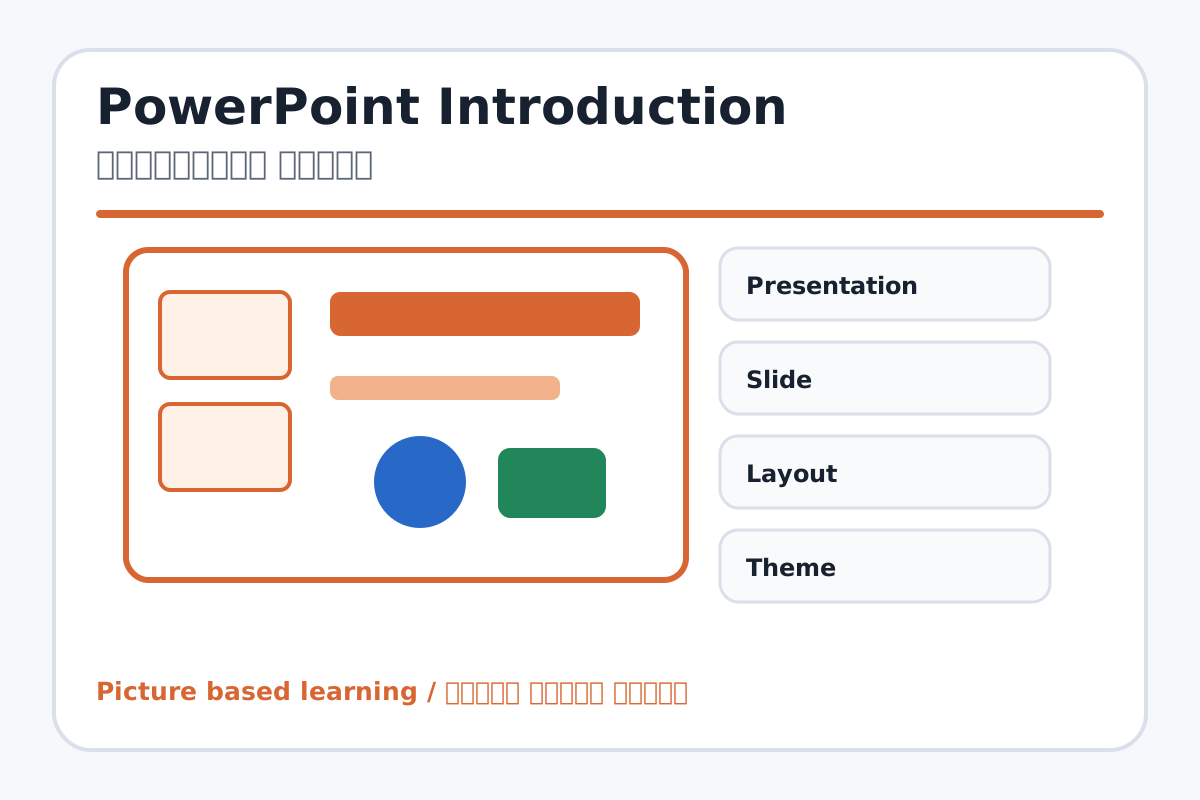
PowerPoint Introduction topic visual / पावरपॉइंट परिचय चित्र
Chapter image shows the exact topic parts for visual learning. / Chapter image में topic के parts साफ दिखाए गए हैं.

Tool Heading & Description / टूल शीर्षक और विवरण

Presentation

Presentation helps create, design, animate, or present slides in PowerPoint.

Presentation PowerPoint में slides create, design, animate या present करने में help करता है.

Slide

Slide helps create, design, animate, or present slides in PowerPoint.

Slide PowerPoint में slides create, design, animate या present करने में help करता है.

Layout

Layout helps create, design, animate, or present slides in PowerPoint.

Layout PowerPoint में slides create, design, animate या present करने में help करता है.

Theme

Theme helps create, design, animate, or present slides in PowerPoint.

Theme PowerPoint में slides create, design, animate या present करने में help करता है.

Transition

Transition helps create, design, animate, or present slides in PowerPoint.

Transition PowerPoint में slides create, design, animate या present करने में help करता है.

Learning Objectives / सीखने के लक्ष्य

  • Open PowerPoint and identify slide pane, slide area, ribbon, and notes.
  • Understand presentation, slide, layout, theme, transition, animation, and slide show.
  • Create and save a simple presentation.

Theory / Meaning / अर्थ

English MeaningMS PowerPoint is used to create presentations with slides, text, images, videos, animations, and transitions.

Hindi MeaningMS PowerPoint slides, text, images, videos, animations और transitions के साथ presentation बनाने के लिए use होता है.

Uses / उपयोग

  • School project presentation.
  • Topic explanation with images and points.
  • Quiz, photo album, advertisement, and story presentation.

Step-by-Step Teaching / पढ़ाने के स्टेप्स

  1. Open PowerPoint and create a blank presentation.
  2. Show slide area, slides pane, ribbon, and notes area.
  3. Type title and subtitle on first slide.
  4. Add two new slides with simple content.
  5. Save the presentation as My First PPT.pptx.

Teacher Explanation Notes / शिक्षक नोट्स

  • Explain one slide as one page of presentation.
  • Encourage short points, not long paragraphs.

Practical Work / प्रैक्टिकल कार्य

  • Create a 3-slide presentation on My School.
  • Use title, bullet points, and one picture placeholder.

Homework / गृहकार्य

  • Write seven PowerPoint basic terms and meanings.
  • Plan a 5-slide topic in notebook.

Short Test Questions / छोटे टेस्ट प्रश्न

  1. What is PowerPoint?
  2. What is slide?
  3. What is presentation?
  4. What is slide show?
  5. What is layout?

Viva Questions / मौखिक प्रश्न

  1. Slide pane me kya dikhta hai?
  2. Presentation ka use kahan hota hai?
  3. Theme kya hota hai?

Real Image + Image Prompt / वास्तविक चित्र + इमेज प्रॉम्प्ट

PowerPoint Introduction educational image / पावरपॉइंट परिचय educational image
Suggested file: ms-powerpoint-interface.jpg | सुझाया गया file name: ms-powerpoint-interface.jpg

Create a clean educational image of MS PowerPoint interface with labels: Slides Pane, Ribbon, Slide Area, Notes Area, Design Tab, Transitions Tab, Animations Tab, Slide Show Tab. Hindi and English labels.