Chapter 45 Internet English + Hindi

Email Basics

ईमेल बेसिक्स

Email Basics

ईमेल बेसिक्स

Email means electronic mail. It is used to send messages and files through the Internet. This chapter connects the topic with classroom explanation, real examples, and hands-on practice.

Email का मतलब electronic mail है. यह Internet से messages और files send करने के लिए use होता है. इस chapter में topic को classroom explanation, real examples और hands-on practice से समझाया गया है.
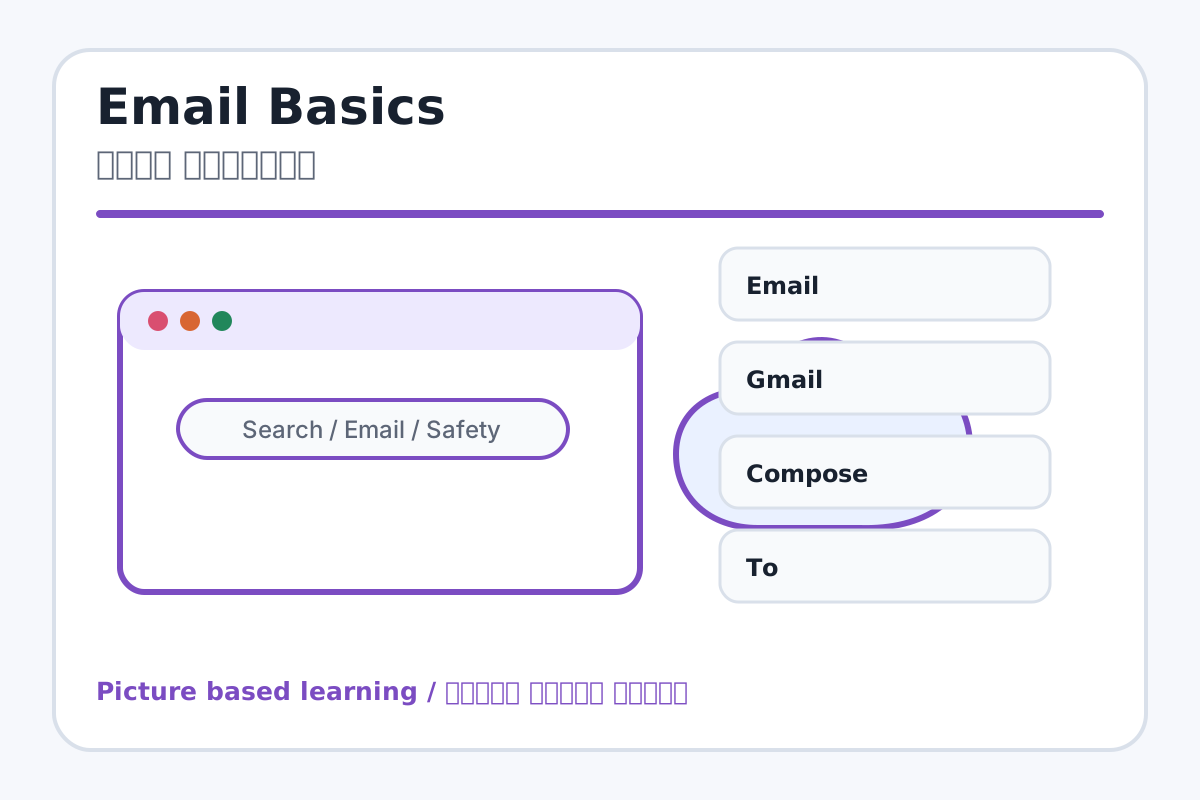
Email Basics topic visual / ईमेल बेसिक्स चित्र
Chapter image shows the exact topic parts for visual learning. / Chapter image में topic के parts साफ दिखाए गए हैं.

Tool Heading & Description / टूल शीर्षक और विवरण

Email

Email helps search, communicate, browse, download, upload, or stay safe online.

Email online search, communication, browsing, download, upload या safety में help करता है.

Gmail

Gmail is a main point of Email Basics and should be understood before practical work.

Gmail Email Basics ka main point hai; practical se pehle iska meaning samajhna zaroori hai.

Compose

Compose is a main point of Email Basics and should be understood before practical work.

Compose Email Basics ka main point hai; practical se pehle iska meaning samajhna zaroori hai.

To

To is a main point of Email Basics and should be understood before practical work.

To Email Basics ka main point hai; practical se pehle iska meaning samajhna zaroori hai.

Subject

Subject is a main point of Email Basics and should be understood before practical work.

Subject Email Basics ka main point hai; practical se pehle iska meaning samajhna zaroori hai.

Learning Objectives / सीखने के लक्ष्य

  • Understand email, Gmail, compose, To, Subject, Body, Attachment, Send, Inbox, Sent, and Draft.
  • Write a simple email to teacher.
  • Know basic email manners and safety.

Theory / Meaning / अर्थ

English MeaningEmail means electronic mail. It is used to send messages and files through the Internet.

Hindi MeaningEmail का मतलब electronic mail है. यह Internet से messages और files send करने के लिए use होता है.

Uses / उपयोग

  • Sending leave application.
  • Sharing project files.
  • Receiving school notices and information.

Step-by-Step Teaching / पढ़ाने के स्टेप्स

  1. Open email service with teacher guidance.
  2. Click Compose to write new email.
  3. Enter receiver email in To field.
  4. Write clear subject: Leave Application.
  5. Write polite message in body.
  6. Attach file only if required.
  7. Click Send and check Sent folder.

Teacher Explanation Notes / शिक्षक नोट्स

  • Do not require students to expose personal accounts publicly.
  • Use demo account or mock email format if school policy requires.

Practical Work / प्रैक्टिकल कार्य

  • Write an email to teacher for leave application using a demo or practice format.
  • Attach a small document if allowed.

Homework / गृहकार्य

  • Write an email format in notebook: To, Subject, Body, Closing.
  • Write five email safety rules.

Short Test Questions / छोटे टेस्ट प्रश्न

  1. What is Email?
  2. What is Compose?
  3. What is Subject?
  4. What is Attachment?
  5. What is Inbox?

Viva Questions / मौखिक प्रश्न

  1. To field me kya likhte hain?
  2. Draft kya hota hai?
  3. Email send karne se pehle kya check karna chahiye?

Real Image + Image Prompt / वास्तविक चित्र + इमेज प्रॉम्प्ट

Email Basics educational image / ईमेल बेसिक्स educational image
Suggested file: email-basics.jpg | सुझाया गया file name: email-basics.jpg

Create a school-friendly educational email interface image showing Compose, To, Subject, Body, Attachment, Send, Inbox, Sent, Draft with Hindi and English labels.