Chapter 26 MS Excel English + Hindi

Excel Page Layout

एक्सेल पेज लेआउट

Excel Page Layout

एक्सेल पेज लेआउट

Page Layout controls how an Excel sheet will look when printed, including themes, margins, orientation, size, print area, breaks, background, and print titles. This chapter connects the topic with classroom explanation, real examples, and hands-on practice.

Page Layout Excel sheet को print करते समय कैसे दिखेगा यह control करता है, जैसे themes, margins, orientation, size, print area, breaks, background और print titles. इस chapter में topic को classroom explanation, real examples और hands-on practice से समझाया गया है.
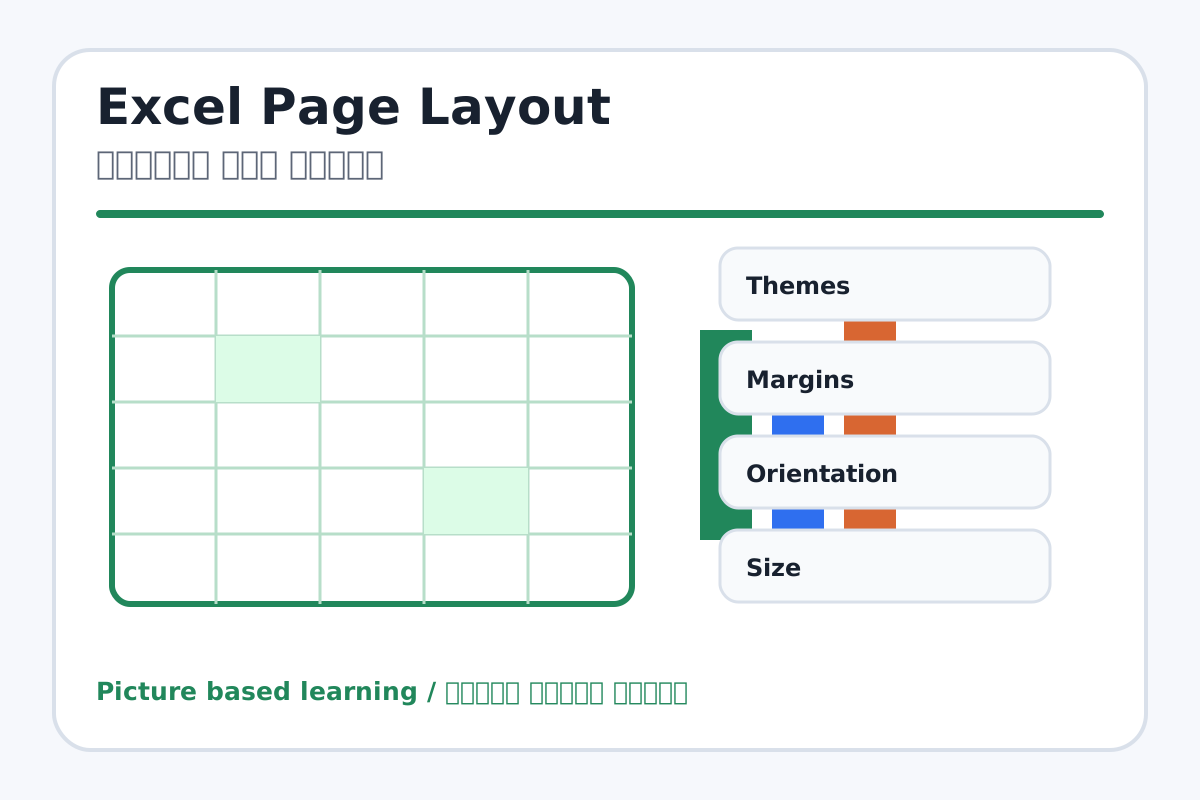
Excel Page Layout topic visual / एक्सेल पेज लेआउट चित्र
Chapter image shows the exact topic parts for visual learning. / Chapter image में topic के parts साफ दिखाए गए हैं.

Tool Heading & Description / टूल शीर्षक और विवरण

Themes

Themes helps create, design, animate, or present slides in PowerPoint.

Themes PowerPoint में slides create, design, animate या present करने में help करता है.

Margins

Margins is a main point of Excel Page Layout and should be understood before practical work.

Margins Excel Page Layout ka main point hai; practical se pehle iska meaning samajhna zaroori hai.

Orientation

Orientation is a main point of Excel Page Layout and should be understood before practical work.

Orientation Excel Page Layout ka main point hai; practical se pehle iska meaning samajhna zaroori hai.

Size

Size is a main point of Excel Page Layout and should be understood before practical work.

Size Excel Page Layout ka main point hai; practical se pehle iska meaning samajhna zaroori hai.

Print Area

Print Area is a file command used to create, open, save, print, share, export, or close work.

Print Area file command है जिससे work create, open, save, print, share, export या close किया जाता है.

Learning Objectives / सीखने के लक्ष्य

  • Set margins, orientation, size, and print area.
  • Use print titles for repeated headings.
  • Preview sheet before printing.

Theory / Meaning / अर्थ

English MeaningPage Layout controls how an Excel sheet will look when printed, including themes, margins, orientation, size, print area, breaks, background, and print titles.

Hindi MeaningPage Layout Excel sheet को print करते समय कैसे दिखेगा यह control करता है, जैसे themes, margins, orientation, size, print area, breaks, background और print titles.

Uses / उपयोग

  • Printing marksheets and bills correctly.
  • Keeping headings visible on every printed page.
  • Avoiding extra blank printed pages.

Step-by-Step Teaching / पढ़ाने के स्टेप्स

  1. Open a sample table and set page size to A4.
  2. Choose Portrait or Landscape based on table width.
  3. Set margins to Normal or Narrow.
  4. Select table range and set Print Area.
  5. Use Print Titles to repeat header row.
  6. Check print preview and adjust page breaks.

Teacher Explanation Notes / शिक्षक नोट्स

  • Excel printing is often confusing; always teach print preview.
  • Explain print area with a visible selected range.

Practical Work / प्रैक्टिकल कार्य

  • Prepare a marksheet for printing on A4 with correct margins and print area.
  • Set row 1 as print title if data is long.

Homework / गृहकार्य

  • Write the use of Print Area, Margins, Orientation, and Print Titles.
  • Practice checking print preview at home/lab.

Short Test Questions / छोटे टेस्ट प्रश्न

  1. What is Print Area?
  2. What are Margins?
  3. What is Landscape orientation?
  4. What does Print Titles do?
  5. Why check print preview?

Viva Questions / मौखिक प्रश्न

  1. Wide table ke liye portrait ya landscape?
  2. Page break ka use kya hai?
  3. Background print hota hai ya screen ke liye hota hai?

Real Image + Image Prompt / वास्तविक चित्र + इमेज प्रॉम्प्ट

Excel Page Layout educational image / एक्सेल पेज लेआउट educational image
Suggested file: ms-excel-interface.jpg | सुझाया गया file name: ms-excel-interface.jpg

Create an educational Excel Page Layout image showing Margins, Orientation, Size, Print Area, Breaks, Background, Print Titles, and Print Preview with Hindi and English labels.