Chapter 16 MS Word English + Hindi

Word View Tab

वर्ड व्यू टैब

Word View Tab

वर्ड व्यू टैब

The View tab changes how a document appears while reading, editing, navigating, and zooming. This chapter connects the topic with classroom explanation, real examples, and hands-on practice.

View tab document को reading, editing, navigation और zoom के समय कैसे दिखेगा यह control करता है. इस chapter में topic को classroom explanation, real examples और hands-on practice से समझाया गया है.
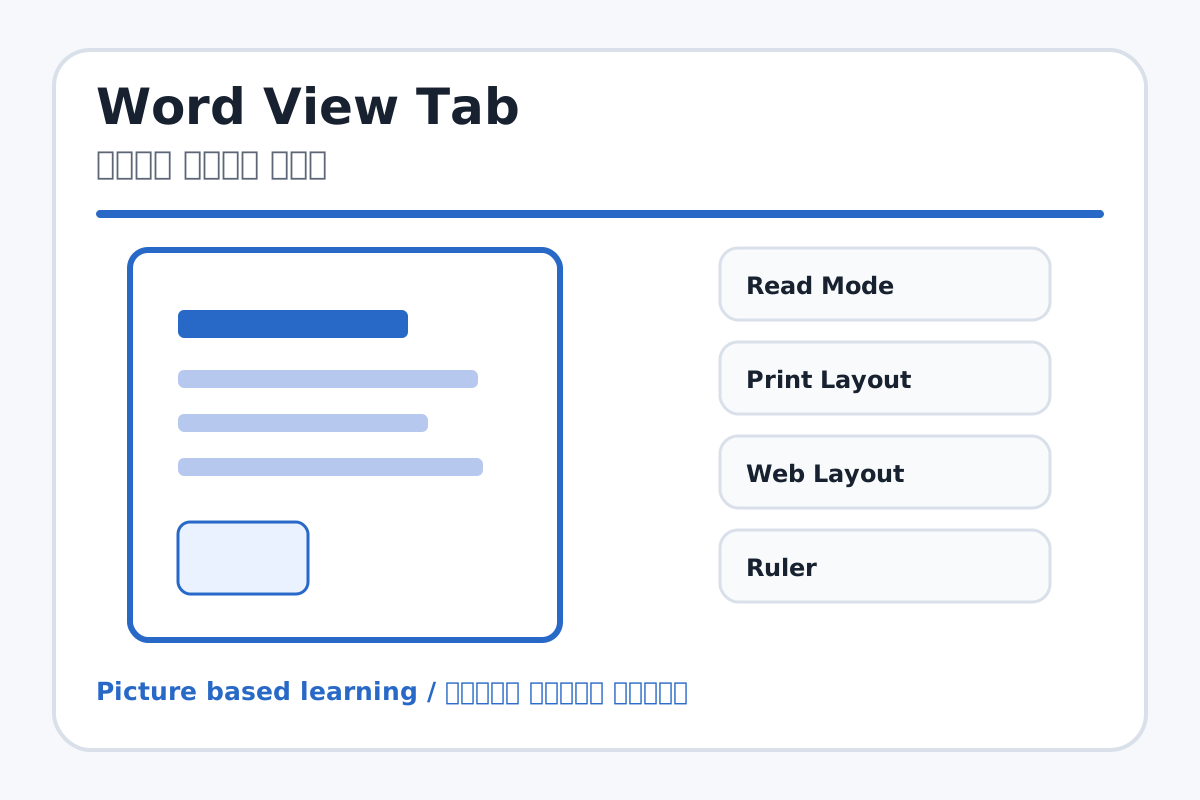
Word View Tab topic visual / वर्ड व्यू टैब चित्र
Chapter image shows the exact topic parts for visual learning. / Chapter image में topic के parts साफ दिखाए गए हैं.

Tool Heading & Description / टूल शीर्षक और विवरण

Read Mode

Read Mode is a main point of Word View Tab and should be understood before practical work.

Read Mode Word View Tab ka main point hai; practical se pehle iska meaning samajhna zaroori hai.

Print Layout

Print Layout is a file command used to create, open, save, print, share, export, or close work.

Print Layout file command है जिससे work create, open, save, print, share, export या close किया जाता है.

Web Layout

Web Layout helps create, design, animate, or present slides in PowerPoint.

Web Layout PowerPoint में slides create, design, animate या present करने में help करता है.

Ruler

Ruler is a main point of Word View Tab and should be understood before practical work.

Ruler Word View Tab ka main point hai; practical se pehle iska meaning samajhna zaroori hai.

Gridlines

Gridlines is used for drawing, coloring, editing, or designing in MS Paint.

Gridlines MS Paint में drawing, coloring, editing या designing के लिए use होता है.

Learning Objectives / सीखने के लक्ष्य

  • Use Read Mode, Print Layout, Web Layout, Ruler, Gridlines, Navigation Pane, and Zoom.
  • Understand view change does not change main content.
  • Use Navigation Pane for headings and search.

Theory / Meaning / अर्थ

English MeaningThe View tab changes how a document appears while reading, editing, navigating, and zooming.

Hindi MeaningView tab document को reading, editing, navigation और zoom के समय कैसे दिखेगा यह control करता है.

Uses / उपयोग

  • Checking document before print.
  • Reading long documents comfortably.
  • Finding headings and words quickly.

Step-by-Step Teaching / पढ़ाने के स्टेप्स

  1. Open a document and switch between Read Mode, Print Layout, and Web Layout.
  2. Turn Ruler on and off.
  3. Open Navigation Pane and search a word.
  4. Zoom in and zoom out.
  5. View one page and multiple pages.

Teacher Explanation Notes / शिक्षक नोट्स

  • Tell students View tab changes screen display, not the typed content.
  • Use a multi-page sample document for better demonstration.

Practical Work / प्रैक्टिकल कार्य

  • Open a project file and check it in Print Layout, Read Mode, and Navigation Pane.
  • Use Zoom to view full page.

Homework / गृहकार्य

  • Write five View tab tools and uses.
  • Practice finding a word using Navigation Pane.

Short Test Questions / छोटे टेस्ट प्रश्न

  1. What is Print Layout?
  2. What does Ruler show?
  3. What is Navigation Pane?
  4. What is Zoom?
  5. Does View tab delete content?

Viva Questions / मौखिक प्रश्न

  1. Read Mode kab use karte hain?
  2. Gridlines ka use kya hai?
  3. Multiple Pages view kyon useful hai?

Real Image + Image Prompt / वास्तविक चित्र + इमेज प्रॉम्प्ट

Word View Tab educational image / वर्ड व्यू टैब educational image
Suggested file: ms-word-interface.jpg | सुझाया गया file name: ms-word-interface.jpg

Create a clean MS Word View tab educational image showing Read Mode, Print Layout, Web Layout, Ruler, Gridlines, Navigation Pane, Zoom, One Page, and Multiple Pages with Hindi and English labels.