Chapter 06 MS Paint English + Hindi

MS Paint Tools and Brushes

एम.एस. पेंट टूल्स और ब्रश

MS Paint Tools and Brushes

एम.एस. पेंट टूल्स और ब्रश

Paint tools help draw, erase, fill color, pick color, add text, and zoom. Brushes create different line styles. This chapter connects the topic with classroom explanation, real examples, and hands-on practice.

Paint tools drawing, erase, color fill, color pick, text add और zoom करने में help करते हैं. Brushes अलग-अलग line styles बनाते हैं. इस chapter में topic को classroom explanation, real examples और hands-on practice से समझाया गया है.
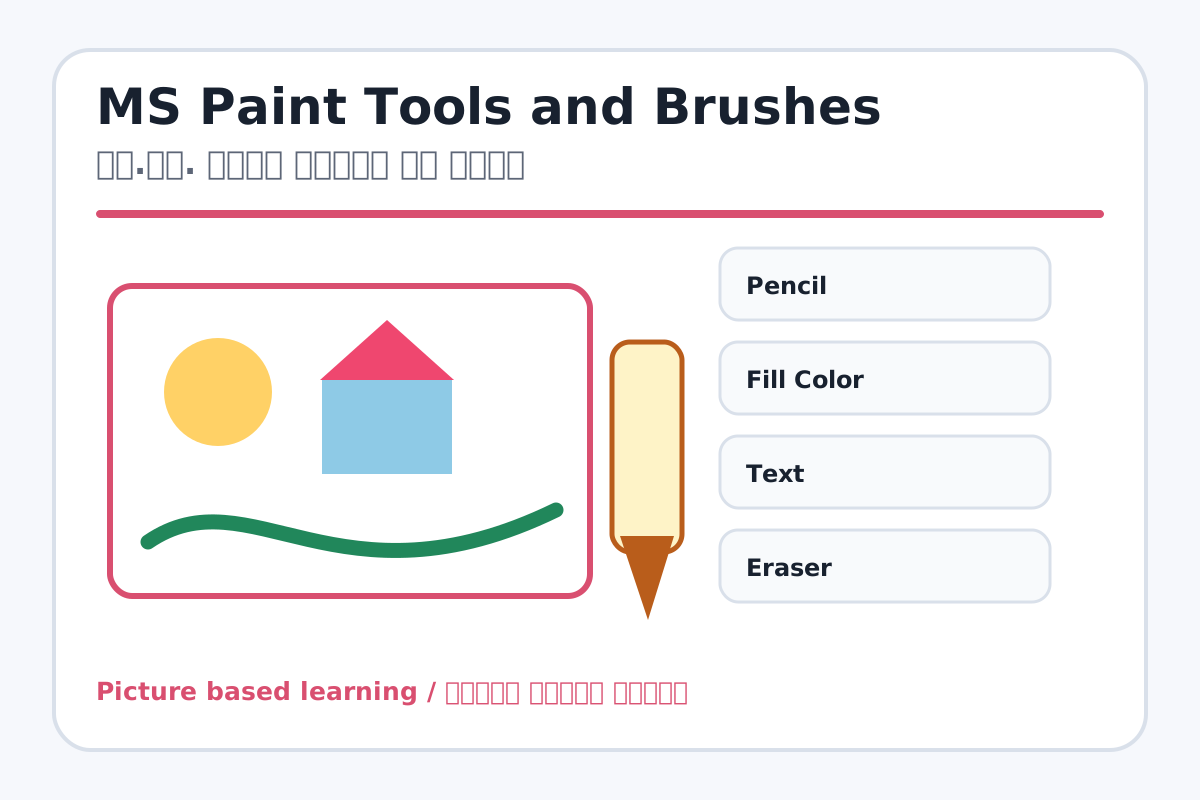
MS Paint Tools and Brushes topic visual / एम.एस. पेंट टूल्स और ब्रश चित्र
Chapter image shows the exact topic parts for visual learning. / Chapter image में topic के parts साफ दिखाए गए हैं.

Tool Heading & Description / टूल शीर्षक और विवरण

Pencil

Pencil is used for drawing, coloring, editing, or designing in MS Paint.

Pencil MS Paint में drawing, coloring, editing या designing के लिए use होता है.

Fill Color

Fill Color is used for drawing, coloring, editing, or designing in MS Paint.

Fill Color MS Paint में drawing, coloring, editing या designing के लिए use होता है.

Text

Text is used for drawing, coloring, editing, or designing in MS Paint.

Text MS Paint में drawing, coloring, editing या designing के लिए use होता है.

Eraser

Eraser is used for drawing, coloring, editing, or designing in MS Paint.

Eraser MS Paint में drawing, coloring, editing या designing के लिए use होता है.

Color Picker

Color Picker is used for drawing, coloring, editing, or designing in MS Paint.

Color Picker MS Paint में drawing, coloring, editing या designing के लिए use होता है.

Learning Objectives / सीखने के लक्ष्य

  • Use Pencil, Fill Color, Text, Eraser, Color Picker, and Magnifier.
  • Try brush styles like Brush, Calligraphy, Airbrush, and Marker.
  • Choose correct tool for a drawing task.

Theory / Meaning / अर्थ

English MeaningPaint tools help draw, erase, fill color, pick color, add text, and zoom. Brushes create different line styles.

Hindi MeaningPaint tools drawing, erase, color fill, color pick, text add और zoom करने में help करते हैं. Brushes अलग-अलग line styles बनाते हैं.

Uses / उपयोग

  • Freehand drawing and poster headings.
  • Coloring closed shapes neatly.
  • Making borders, clouds, and decorative lines.

Step-by-Step Teaching / पढ़ाने के स्टेप्स

  1. Draw a tree using Pencil and Brush.
  2. Make a closed circle and fill it with Fill Color.
  3. Add text My Drawing using the Text tool.
  4. Use Eraser to remove extra lines.
  5. Pick an existing color with Color Picker and use it again.
  6. Zoom with Magnifier for small details.

Teacher Explanation Notes / शिक्षक नोट्स

  • Remind students that Fill Color works best in closed shapes.
  • Show brush thickness and color before the final practice.

Practical Work / प्रैक्टिकल कार्य

  • Create a flower garden using Pencil, Brush, Airbrush, Fill Color, and Text.
  • Make a colorful border using Calligraphy Brush.

Homework / गृहकार्य

  • Write the use of any six Paint tools.
  • Draw a poster heading style using marker effect in notebook.

Short Test Questions / छोटे टेस्ट प्रश्न

  1. Which tool draws freehand lines?
  2. Which tool fills color?
  3. Which tool removes drawing parts?
  4. Which tool picks color from image?
  5. What is Magnifier used for?

Viva Questions / मौखिक प्रश्न

  1. Fill Color band shape me kyon use hota hai?
  2. Text tool ka use kya hai?
  3. Airbrush kis effect ke liye hai?

Real Image + Image Prompt / वास्तविक चित्र + इमेज प्रॉम्प्ट

MS Paint Tools and Brushes educational image / एम.एस. पेंट टूल्स और ब्रश educational image
Suggested file: paint-tools.jpg | सुझाया गया file name: paint-tools.jpg

Create an educational MS Paint tools poster showing Pencil, Fill Color, Text, Eraser, Color Picker, Magnifier, Brush, Calligraphy Brush, Airbrush, and Marker with Hindi and English labels and small example strokes.