Chapter 46 Internet English + Hindi

Download and Upload

डाउनलोड और अपलोड

Download and Upload

डाउनलोड और अपलोड

Download means saving a file from the Internet to your computer. Upload means sending a file from your computer to the Internet. This chapter connects the topic with classroom explanation, real examples, and hands-on practice.

Download का मतलब Internet से file computer में save करना है. Upload का मतलब computer से file Internet पर भेजना है. इस chapter में topic को classroom explanation, real examples और hands-on practice से समझाया गया है.
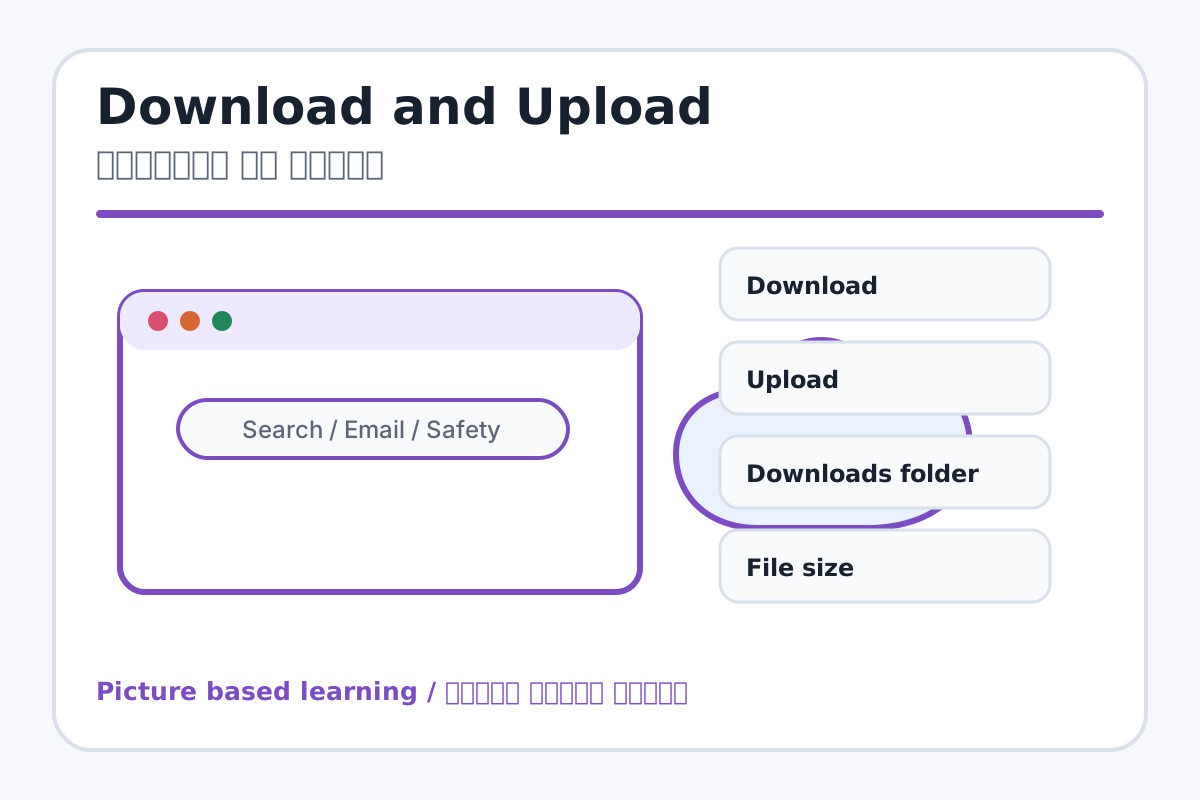
Download and Upload topic visual / डाउनलोड और अपलोड चित्र
Chapter image shows the exact topic parts for visual learning. / Chapter image में topic के parts साफ दिखाए गए हैं.

Tool Heading & Description / टूल शीर्षक और विवरण

Download

Download helps search, communicate, browse, download, upload, or stay safe online.

Download online search, communication, browsing, download, upload या safety में help करता है.

Upload

Upload helps search, communicate, browse, download, upload, or stay safe online.

Upload online search, communication, browsing, download, upload या safety में help करता है.

Downloads folder

Downloads folder helps organize, store, find, or manage computer files and folders.

Downloads folder computer files और folders को organize, store, find या manage करने में help करता है.

File size

File size helps organize, store, find, or manage computer files and folders.

File size computer files और folders को organize, store, find या manage करने में help करता है.

File type

File type helps organize, store, find, or manage computer files and folders.

File type computer files और folders को organize, store, find या manage करने में help करता है.

Learning Objectives / सीखने के लक्ष्य

  • Understand download and upload difference.
  • Locate downloaded files.
  • Upload files safely when required.

Theory / Meaning / अर्थ

English MeaningDownload means saving a file from the Internet to your computer. Upload means sending a file from your computer to the Internet.

Hindi MeaningDownload का मतलब Internet से file computer में save करना है. Upload का मतलब computer से file Internet पर भेजना है.

Uses / उपयोग

  • Downloading images, PDFs, and assignments.
  • Uploading homework, forms, or project files.
  • Sharing files through email or forms.

Step-by-Step Teaching / पढ़ाने के स्टेप्स

  1. Download a teacher-approved PDF or image.
  2. Open Downloads folder and locate the file.
  3. Rename the file clearly if needed.
  4. Open a demo form or email compose screen.
  5. Click Upload/Attach and select the file.
  6. Check file name before sending.

Teacher Explanation Notes / शिक्षक नोट्स

  • Use only safe sample files; avoid random downloads.
  • Explain file size simply as small/large file.

Practical Work / प्रैक्टिकल कार्य

  • Download a safe image and insert it into Word or PowerPoint.
  • Attach or upload a practice file using teacher-approved method.

Homework / गृहकार्य

  • Write difference between download and upload.
  • Write three download safety rules.

Short Test Questions / छोटे टेस्ट प्रश्न

  1. What is download?
  2. What is upload?
  3. Where do downloads usually save?
  4. Why check file source?
  5. What is attachment?

Viva Questions / मौखिक प्रश्न

  1. Computer se Internet par file bhejna kya kehlata hai?
  2. Download ke baad file kahan milegi?
  3. Unknown file download karna safe hai?

Real Image + Image Prompt / वास्तविक चित्र + इमेज प्रॉम्प्ट

Download and Upload educational image / डाउनलोड और अपलोड educational image
Suggested file: browser-parts.jpg | सुझाया गया file name: browser-parts.jpg

Create an educational image explaining download and upload with arrows: Internet to computer as Download, computer to Internet as Upload, Downloads folder, attach/upload button, file type, file size, and Hindi-English labels.