Chapter 05 MS Paint English + Hindi

MS Paint File Menu and Home Tab

एम.एस. पेंट फाइल मेन्यू और होम टैब

MS Paint File Menu and Home Tab

एम.एस. पेंट फाइल मेन्यू और होम टैब

The File menu controls new, open, save, save as, print, and exit. The Home tab contains common drawing and editing tools. This chapter connects the topic with classroom explanation, real examples, and hands-on practice.

File menu से new, open, save, save as, print और exit किया जाता है. Home tab में drawing और editing tools होते हैं. इस chapter में topic को classroom explanation, real examples और hands-on practice से समझाया गया है.
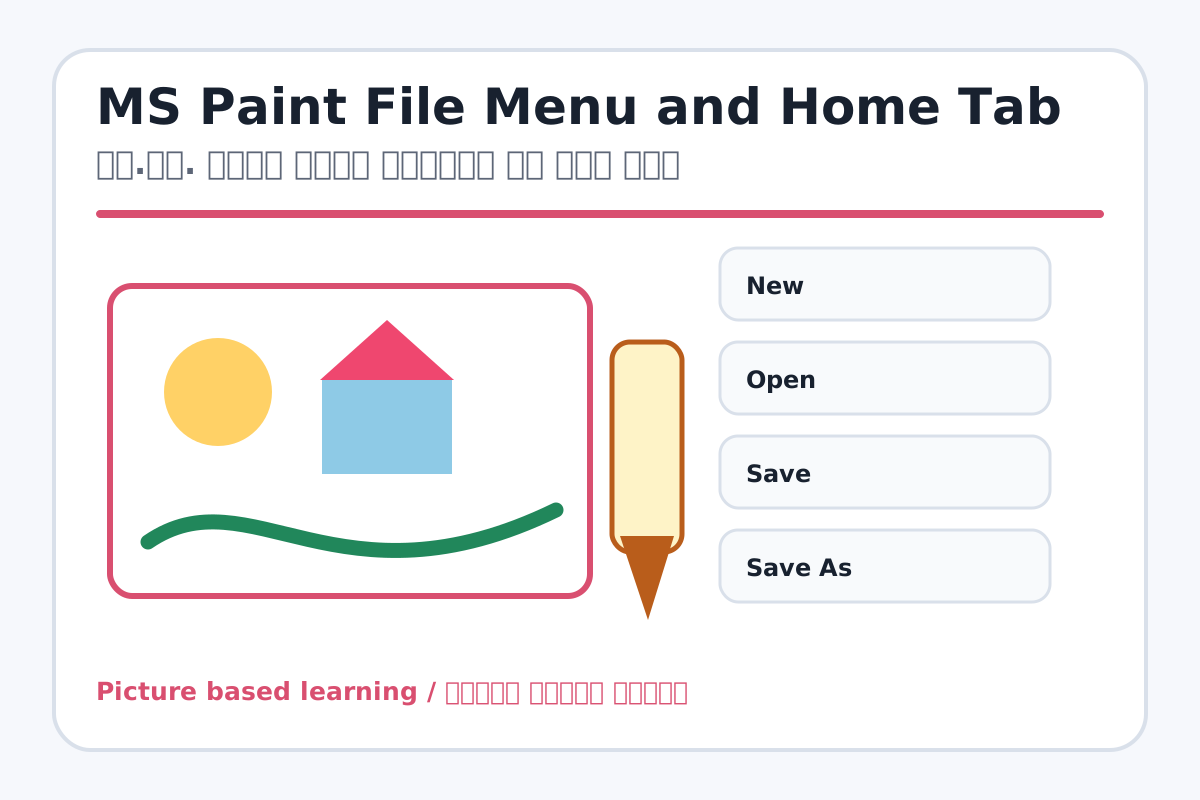
MS Paint File Menu and Home Tab topic visual / एम.एस. पेंट फाइल मेन्यू और होम टैब चित्र
Chapter image shows the exact topic parts for visual learning. / Chapter image में topic के parts साफ दिखाए गए हैं.

Tool Heading & Description / टूल शीर्षक और विवरण

New

New is a file command used to create, open, save, print, share, export, or close work.

New file command है जिससे work create, open, save, print, share, export या close किया जाता है.

Open

Open is a file command used to create, open, save, print, share, export, or close work.

Open file command है जिससे work create, open, save, print, share, export या close किया जाता है.

Save

Save is a file command used to create, open, save, print, share, export, or close work.

Save file command है जिससे work create, open, save, print, share, export या close किया जाता है.

Save As

Save As is a file command used to create, open, save, print, share, export, or close work.

Save As file command है जिससे work create, open, save, print, share, export या close किया जाता है.

Print

Print is a file command used to create, open, save, print, share, export, or close work.

Print file command है जिससे work create, open, save, print, share, export या close किया जाता है.

Learning Objectives / सीखने के लक्ष्य

  • Use New, Open, Save, Save As, Print Preview, and Exit.
  • Use Cut, Copy, Paste, Select, Crop, Resize, and Rotate.
  • Understand when to save as PNG or JPG.

Theory / Meaning / अर्थ

English MeaningThe File menu controls new, open, save, save as, print, and exit. The Home tab contains common drawing and editing tools.

Hindi MeaningFile menu से new, open, save, save as, print और exit किया जाता है. Home tab में drawing और editing tools होते हैं.

Uses / उपयोग

  • Starting a fresh drawing.
  • Opening and editing an existing image.
  • Saving drawings for homework or printing.

Step-by-Step Teaching / पढ़ाने के स्टेप्स

  1. Create a new drawing and save it as paint-practice.png.
  2. Open the saved drawing again from the folder.
  3. Select one shape, copy it, and paste it multiple times.
  4. Resize the image to 50 percent and rotate it left or right.
  5. Use Save As to save a second copy with a new name.

Teacher Explanation Notes / शिक्षक नोट्स

  • Explain Save vs Save As with two copies of the same file.
  • Warn students that Crop removes outside area, so they should select carefully.

Practical Work / प्रैक्टिकल कार्य

  • Draw a flower, copy-paste it three times, resize the picture, and save it.
  • Open an image and crop only the important part.

Homework / गृहकार्य

  • Write the use of New, Open, Save, Save As, and Print.
  • Practice selecting and moving objects in Paint.

Short Test Questions / छोटे टेस्ट प्रश्न

  1. What does Save As do?
  2. Which tool selects part of drawing?
  3. What does Crop do?
  4. What is Resize used for?
  5. What does Rotate do?

Viva Questions / मौखिक प्रश्न

  1. Save aur Save As me difference kya hai?
  2. Copy-Paste ka use kya hai?
  3. Crop karne se kya bachta hai?

Real Image + Image Prompt / वास्तविक चित्र + इमेज प्रॉम्प्ट

MS Paint File Menu and Home Tab educational image / एम.एस. पेंट फाइल मेन्यू और होम टैब educational image
Suggested file: paint-tools.jpg | सुझाया गया file name: paint-tools.jpg

Create a classroom educational image showing MS Paint File Menu and Home Tab tools with labels for New, Open, Save, Save As, Print, Cut, Copy, Paste, Select, Crop, Resize, and Rotate in Hindi and English.