Chapter 12 MS Word English + Hindi

Word Home Tab: Paragraph and Styles

वर्ड होम टैब: पैराग्राफ और स्टाइल्स

Word Home Tab: Paragraph and Styles

वर्ड होम टैब: पैराग्राफ और स्टाइल्स

Paragraph tools control lists, alignment, spacing, borders, and shading. Styles apply ready-made heading and text formats. This chapter connects the topic with classroom explanation, real examples, and hands-on practice.

Paragraph tools lists, alignment, spacing, borders और shading control करते हैं. Styles ready-made heading और text format लगाते हैं. इस chapter में topic को classroom explanation, real examples और hands-on practice से समझाया गया है.
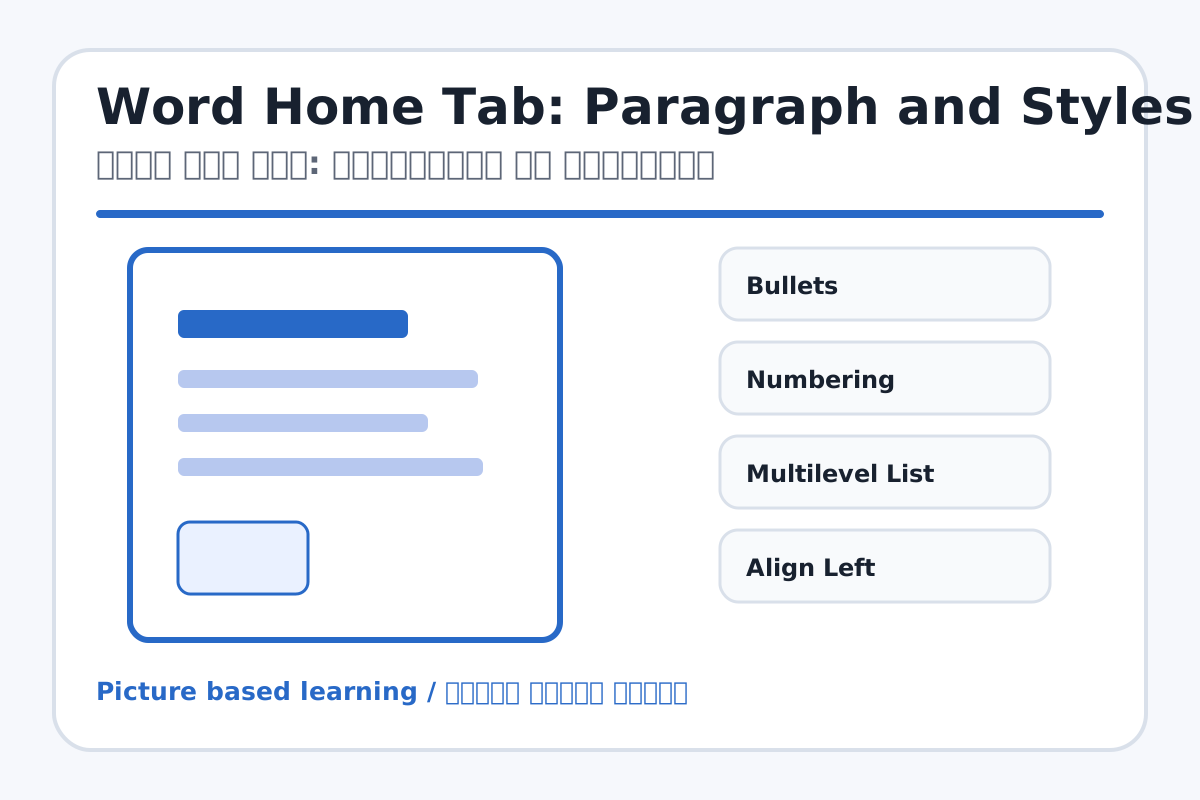
Word Home Tab: Paragraph and Styles topic visual / वर्ड होम टैब: पैराग्राफ और स्टाइल्स चित्र
Chapter image shows the exact topic parts for visual learning. / Chapter image में topic के parts साफ दिखाए गए हैं.

Tool Heading & Description / टूल शीर्षक और विवरण

Bullets

Bullets controls paragraph layout, lists, spacing, borders, or document styles.

Bullets paragraph layout, list, spacing, border या document style control करता है.

Numbering

Numbering controls paragraph layout, lists, spacing, borders, or document styles.

Numbering paragraph layout, list, spacing, border या document style control करता है.

Multilevel List

Multilevel List controls paragraph layout, lists, spacing, borders, or document styles.

Multilevel List paragraph layout, list, spacing, border या document style control करता है.

Align Left

Align Left controls paragraph layout, lists, spacing, borders, or document styles.

Align Left paragraph layout, list, spacing, border या document style control करता है.

Center

Center is a keyboard or mouse control used for typing, selection, movement, or commands.

Center keyboard या mouse control है जो typing, selection, movement या command के लिए use होता है.

Learning Objectives / सीखने के लक्ष्य

  • Create bullets, numbering, and multilevel lists.
  • Apply left, center, right, and justify alignment.
  • Use Heading 1, Heading 2, Title, and Normal styles.

Theory / Meaning / अर्थ

English MeaningParagraph tools control lists, alignment, spacing, borders, and shading. Styles apply ready-made heading and text formats.

Hindi MeaningParagraph tools lists, alignment, spacing, borders और shading control करते हैं. Styles ready-made heading और text format लगाते हैं.

Uses / उपयोग

  • Making lists of computer parts.
  • Centering headings and aligning paragraphs.
  • Creating structured documents with headings.

Step-by-Step Teaching / पढ़ाने के स्टेप्स

  1. Type a title and apply Title style.
  2. Create a numbered list of 10 computer parts.
  3. Create a bullet list of 5 uses of computer.
  4. Center the title and justify the paragraph.
  5. Apply border or shading to one paragraph.
  6. Use Heading 1 and Heading 2 for sections.

Teacher Explanation Notes / शिक्षक नोट्स

  • Show alignment with a visible page width so students understand left/center/right.
  • Explain styles as quick formatting for long projects.

Practical Work / प्रैक्टिकल कार्य

  • Create a document with Title, Heading 1, Heading 2, paragraph, numbered list, and bullet list.
  • Add border and shading to one important paragraph.

Homework / गृहकार्य

  • Write the use of Bullets, Numbering, Center, Justify, and Line Spacing.
  • Make a numbered list of 10 input/output devices.

Short Test Questions / छोटे टेस्ट प्रश्न

  1. What are bullets?
  2. What is numbering?
  3. Which alignment is used for headings?
  4. What does Justify do?
  5. What is Heading 1?

Viva Questions / मौखिक प्रश्न

  1. Line spacing kya hota hai?
  2. Styles ka benefit kya hai?
  3. Numbering aur bullets me difference kya hai?

Real Image + Image Prompt / वास्तविक चित्र + इमेज प्रॉम्प्ट

Word Home Tab: Paragraph and Styles educational image / वर्ड होम टैब: पैराग्राफ और स्टाइल्स educational image
Suggested file: word-home-tab.jpg | सुझाया गया file name: word-home-tab.jpg

Create an educational MS Word Home tab image focused on Paragraph and Styles groups with labels for Bullets, Numbering, Multilevel List, Align Left, Center, Right, Justify, Line Spacing, Shading, Border, Heading 1, Heading 2, Title. Hindi and English labels.