Chapter 13 MS Word English + Hindi

Word Insert Tab

वर्ड इंसर्ट टैब

Word Insert Tab

वर्ड इंसर्ट टैब

The Insert tab adds pages, tables, pictures, shapes, icons, SmartArt, charts, headers, footers, page numbers, text boxes, WordArt, and symbols. This chapter connects the topic with classroom explanation, real examples, and hands-on practice.

Insert tab से pages, tables, pictures, shapes, icons, SmartArt, charts, header, footer, page number, text box, WordArt और symbols add किए जाते हैं. इस chapter में topic को classroom explanation, real examples और hands-on practice से समझाया गया है.
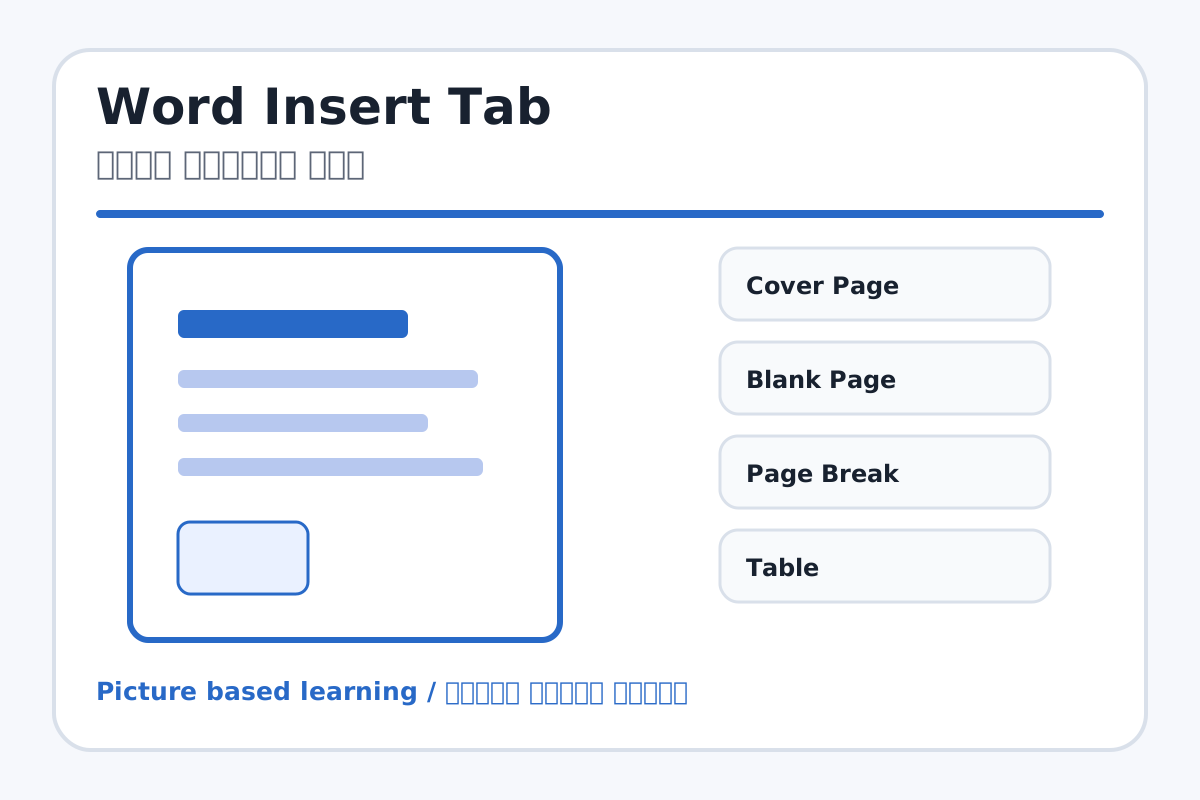
Word Insert Tab topic visual / वर्ड इंसर्ट टैब चित्र
Chapter image shows the exact topic parts for visual learning. / Chapter image में topic के parts साफ दिखाए गए हैं.

Tool Heading & Description / टूल शीर्षक और विवरण

Cover Page

Cover Page is a main point of Word Insert Tab and should be understood before practical work.

Cover Page Word Insert Tab ka main point hai; practical se pehle iska meaning samajhna zaroori hai.

Blank Page

Blank Page is a main point of Word Insert Tab and should be understood before practical work.

Blank Page Word Insert Tab ka main point hai; practical se pehle iska meaning samajhna zaroori hai.

Page Break

Page Break is a main point of Word Insert Tab and should be understood before practical work.

Page Break Word Insert Tab ka main point hai; practical se pehle iska meaning samajhna zaroori hai.

Table

Table is part of the Word working window used to create and edit documents.

Table Word working window का part है जिससे documents create और edit किए जाते हैं.

Pictures

Pictures is a main point of Word Insert Tab and should be understood before practical work.

Pictures Word Insert Tab ka main point hai; practical se pehle iska meaning samajhna zaroori hai.

Learning Objectives / सीखने के लक्ष्य

  • Insert tables, pictures, shapes, and text boxes.
  • Add header, footer, and page number.
  • Use symbols and WordArt in a document.

Theory / Meaning / अर्थ

English MeaningThe Insert tab adds pages, tables, pictures, shapes, icons, SmartArt, charts, headers, footers, page numbers, text boxes, WordArt, and symbols.

Hindi MeaningInsert tab से pages, tables, pictures, shapes, icons, SmartArt, charts, header, footer, page number, text box, WordArt और symbols add किए जाते हैं.

Uses / उपयोग

  • Making marks tables and project files.
  • Adding images in school reports.
  • Designing posters, invitation cards, and certificates.

Step-by-Step Teaching / पढ़ाने के स्टेप्स

  1. Insert a table with columns: Roll No, Name, Class, Marks.
  2. Insert a picture and resize it proportionally.
  3. Insert a shape and type text inside it.
  4. Add header with school name and footer with address.
  5. Insert page number at bottom.
  6. Use Symbol to insert rupee, copyright, or tick mark.

Teacher Explanation Notes / शिक्षक नोट्स

  • Teach image resize from corner handles to avoid stretching.
  • Use a simple table first; advanced formatting comes later.

Practical Work / प्रैक्टिकल कार्य

  • Create a student marks table with 5 students.
  • Add a header, footer, page number, one image, and one text box.

Homework / गृहकार्य

  • Write ten Insert tab tools and their uses.
  • Design a rough invitation card layout in notebook.

Short Test Questions / छोटे टेस्ट प्रश्न

  1. What is Table used for?
  2. What does Header show?
  3. What is Page Break?
  4. Which tool adds stylish text?
  5. What is Symbol used for?

Viva Questions / मौखिक प्रश्न

  1. Footer kahan dikhta hai?
  2. Text Box ka use kya hai?
  3. Picture insert karne ke baad resize kaise karte hain?

Real Image + Image Prompt / वास्तविक चित्र + इमेज प्रॉम्प्ट

Word Insert Tab educational image / वर्ड इंसर्ट टैब educational image
Suggested file: word-insert-tab.jpg | सुझाया गया file name: word-insert-tab.jpg

Create a labeled educational MS Word Insert tab image showing Cover Page, Blank Page, Page Break, Table, Pictures, Shapes, Icons, SmartArt, Chart, Header, Footer, Page Number, Text Box, WordArt, and Symbol with Hindi and English labels.