Chapter 09 MS Word English + Hindi

MS Word Introduction

एम.एस. वर्ड परिचय

MS Word Introduction

एम.एस. वर्ड परिचय

MS Word is a word processing software used to type, edit, format, design, print, and export documents. This chapter connects the topic with classroom explanation, real examples, and hands-on practice.

MS Word document type, edit, format, design, print और export करने का software है. इस chapter में topic को classroom explanation, real examples और hands-on practice से समझाया गया है.
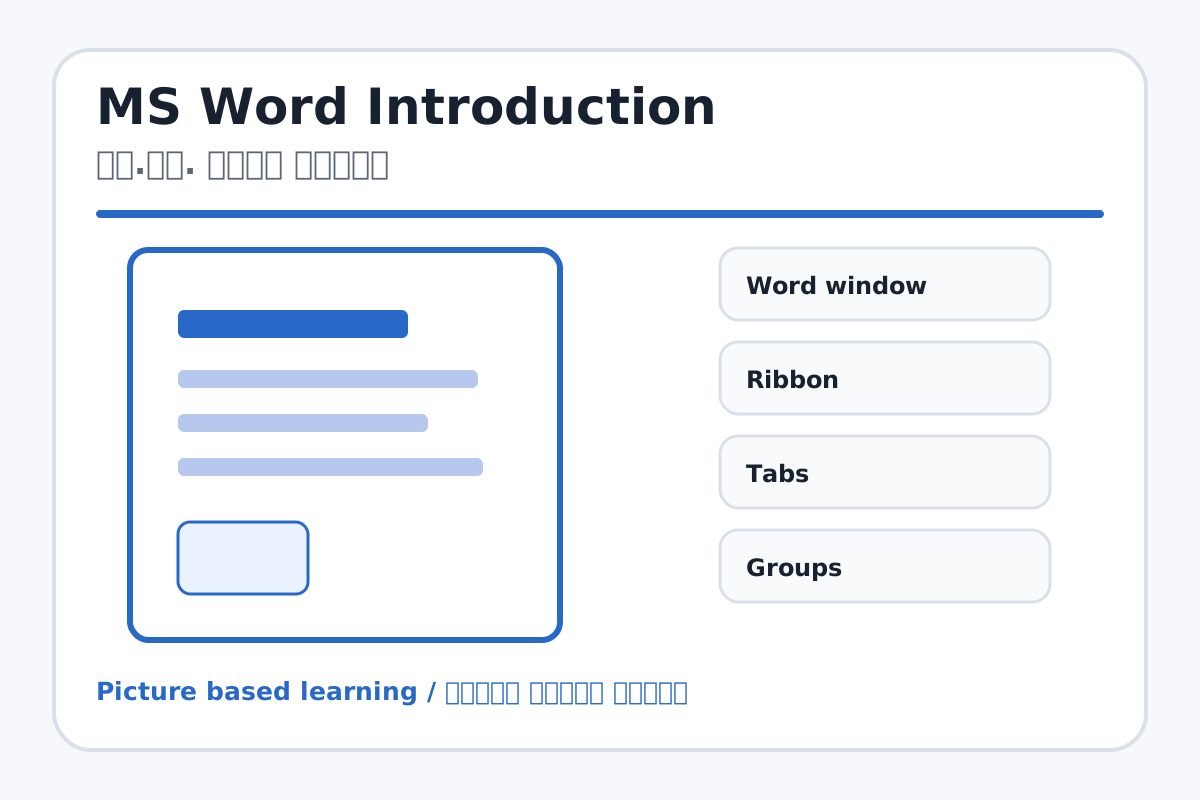
MS Word Introduction topic visual / एम.एस. वर्ड परिचय चित्र
Chapter image shows the exact topic parts for visual learning. / Chapter image में topic के parts साफ दिखाए गए हैं.

Tool Heading & Description / टूल शीर्षक और विवरण

Word window

Word window is part of the Word working window used to create and edit documents.

Word window Word working window का part है जिससे documents create और edit किए जाते हैं.

Ribbon

Ribbon is part of the Word working window used to create and edit documents.

Ribbon Word working window का part है जिससे documents create और edit किए जाते हैं.

Tabs

Tabs is part of the Word working window used to create and edit documents.

Tabs Word working window का part है जिससे documents create और edit किए जाते हैं.

Groups

Groups is part of the Word working window used to create and edit documents.

Groups Word working window का part है जिससे documents create और edit किए जाते हैं.

Document area

Document area is part of the Word working window used to create and edit documents.

Document area Word working window का part है जिससे documents create और edit किए जाते हैं.

Learning Objectives / सीखने के लक्ष्य

  • Open MS Word and identify the main interface.
  • Understand document area, ribbon, tabs, groups, and status bar.
  • Create and save a first document.

Theory / Meaning / अर्थ

English MeaningMS Word is a word processing software used to type, edit, format, design, print, and export documents.

Hindi MeaningMS Word document type, edit, format, design, print और export करने का software है.

Uses / उपयोग

  • Application writing, letter writing, resume, notice, reports, projects, question papers, and certificates.

Step-by-Step Teaching / पढ़ाने के स्टेप्स

  1. Open MS Word and create a blank document.
  2. Show ribbon, Home tab, Insert tab, Layout tab, document area, and status bar.
  3. Type a short paragraph about My School.
  4. Save the document as My First Document.docx.

Teacher Explanation Notes / शिक्षक नोट्स

  • Explain that Word is mainly for text documents, not calculations.
  • Let students practice cursor movement and basic typing before formatting.

Practical Work / प्रैक्टिकल कार्य

  • Create and save a document named My First Document.
  • Type five lines about yourself.

Homework / गृहकार्य

  • Write five uses of MS Word.
  • Draw and label the Word interface.

Short Test Questions / छोटे टेस्ट प्रश्न

  1. What is MS Word?
  2. What is a document?
  3. What is ribbon?
  4. Where do we type text?
  5. Why do we save documents?

Viva Questions / मौखिक प्रश्न

  1. Word ka main use kya hai?
  2. Status bar kahan hota hai?
  3. Blank document kya hota hai?

Real Image + Image Prompt / वास्तविक चित्र + इमेज प्रॉम्प्ट

MS Word Introduction educational image / एम.एस. वर्ड परिचय educational image
Suggested file: ms-word-interface.jpg | सुझाया गया file name: ms-word-interface.jpg

Create an educational image of MS Word interface with labeled Ribbon, Tabs, Home Tab, Insert Tab, Page Layout, Font Group, Paragraph Group, Document Area, Status Bar. Hindi and English labels, clean classroom design.