Chapter 19 MS Word English + Hindi

Word Certificate Making

वर्ड में सर्टिफिकेट बनाना

Word Certificate Making

वर्ड में सर्टिफिकेट बनाना

A certificate is a designed document given for achievement, participation, completion, or appreciation. This chapter connects the topic with classroom explanation, real examples, and hands-on practice.

Certificate achievement, participation, completion या appreciation के लिए दिया जाने वाला designed document है. इस chapter में topic को classroom explanation, real examples और hands-on practice से समझाया गया है.
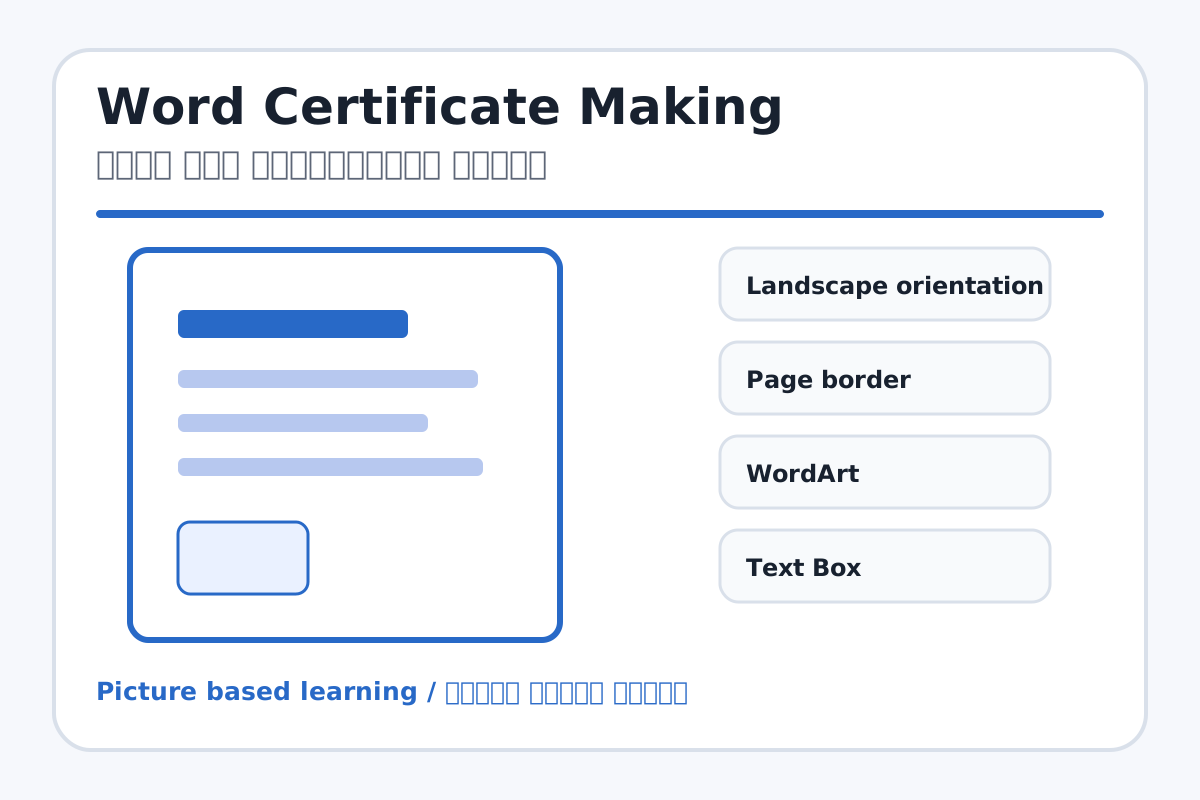
Word Certificate Making topic visual / वर्ड में सर्टिफिकेट बनाना चित्र
Chapter image shows the exact topic parts for visual learning. / Chapter image में topic के parts साफ दिखाए गए हैं.

Tool Heading & Description / टूल शीर्षक और विवरण

Landscape orientation

Landscape orientation is a main point of Word Certificate Making and should be understood before practical work.

Landscape orientation Word Certificate Making ka main point hai; practical se pehle iska meaning samajhna zaroori hai.

Page border

Page border controls paragraph layout, lists, spacing, borders, or document styles.

Page border paragraph layout, list, spacing, border या document style control करता है.

WordArt

WordArt is a main point of Word Certificate Making and should be understood before practical work.

WordArt Word Certificate Making ka main point hai; practical se pehle iska meaning samajhna zaroori hai.

Text Box

Text Box is used for drawing, coloring, editing, or designing in MS Paint.

Text Box MS Paint में drawing, coloring, editing या designing के लिए use होता है.

Watermark

Watermark is a main point of Word Certificate Making and should be understood before practical work.

Watermark Word Certificate Making ka main point hai; practical se pehle iska meaning samajhna zaroori hai.

Learning Objectives / सीखने के लक्ष्य

  • Design a simple certificate in Word.
  • Use landscape orientation, border, WordArt, text boxes, and watermark.
  • Align text neatly for printing.

Theory / Meaning / अर्थ

English MeaningA certificate is a designed document given for achievement, participation, completion, or appreciation.

Hindi MeaningCertificate achievement, participation, completion या appreciation के लिए दिया जाने वाला designed document है.

Uses / उपयोग

  • School competition certificates.
  • Course completion certificates.
  • Appreciation and participation certificates.

Step-by-Step Teaching / पढ़ाने के स्टेप्स

  1. Set page orientation to Landscape.
  2. Apply a page border and light watermark.
  3. Insert a WordArt title: Certificate of Achievement.
  4. Add recipient name using large bold font.
  5. Write reason, date, and teacher/principal signature lines.
  6. Add logo or seal placeholder if available.

Teacher Explanation Notes / शिक्षक नोट्स

  • Use print preview to check margins before finalizing.
  • Keep colors readable and avoid crowded designs.

Practical Work / प्रैक्टिकल कार्य

  • Create a certificate for Best Computer Student.
  • Include title, student name, reason, date, and two signature lines.

Homework / गृहकार्य

  • Design a certificate rough layout in notebook.
  • Write three certificate titles.

Short Test Questions / छोटे टेस्ट प्रश्न

  1. What is certificate?
  2. Which orientation is often used for certificate?
  3. What is WordArt?
  4. Why use page border?
  5. What is signature line?

Viva Questions / मौखिक प्रश्न

  1. Certificate me recipient name kahan hota hai?
  2. Watermark ka use kya hai?
  3. Print preview kyon check karte hain?

Real Image + Image Prompt / वास्तविक चित्र + इमेज प्रॉम्प्ट

Word Certificate Making educational image / वर्ड में सर्टिफिकेट बनाना educational image
Suggested file: word-page-layout.jpg | सुझाया गया file name: word-page-layout.jpg

Create an educational MS Word certificate design example with landscape page, border, watermark, WordArt title, student name, date, signature lines, and Hindi-English labels for each element.